Key Store
The Key Store in Semaphore is used to store credentials for accessing remote Repositories, accessing remote hosts, sudo credentials, and Ansible vault passwords.
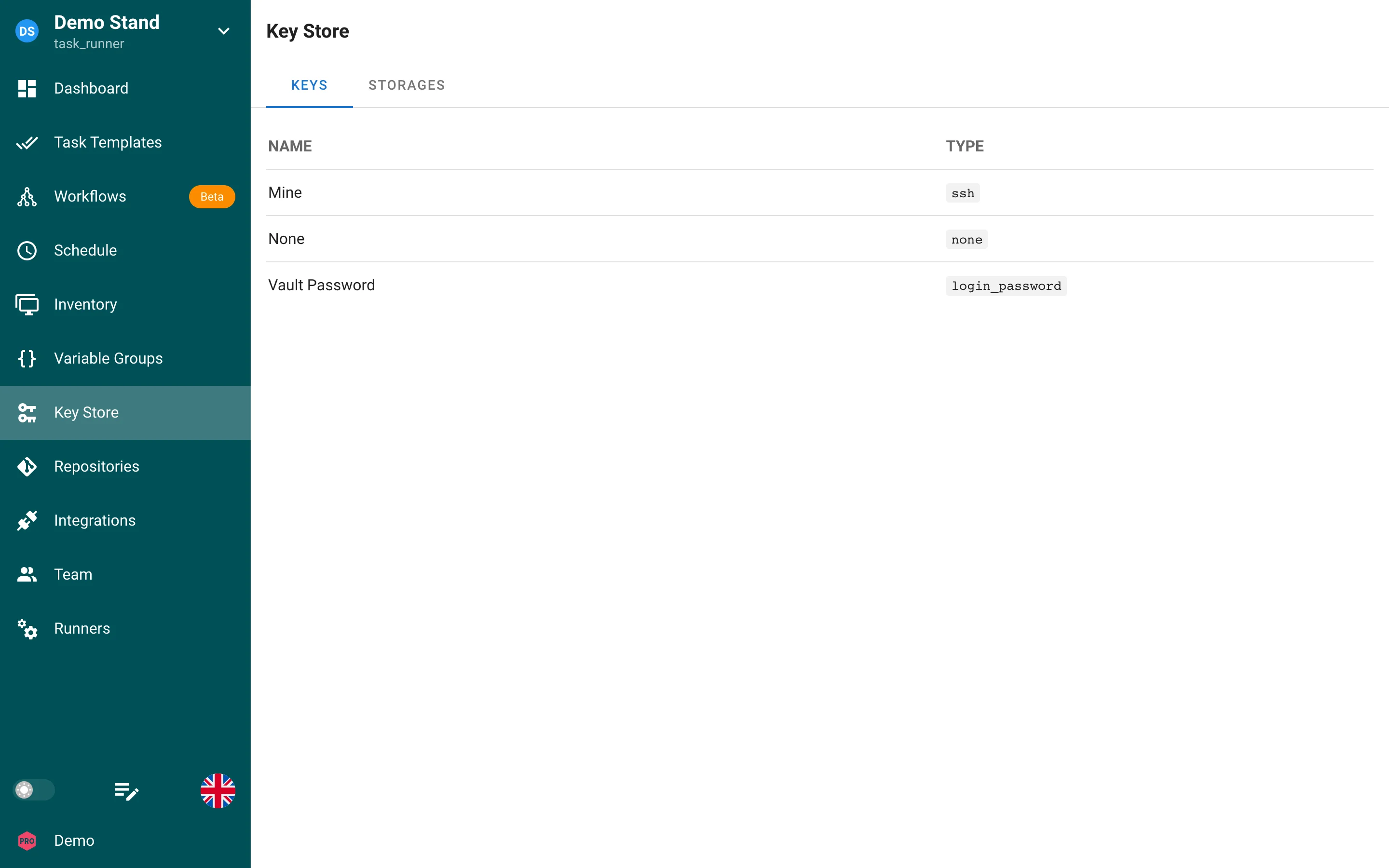
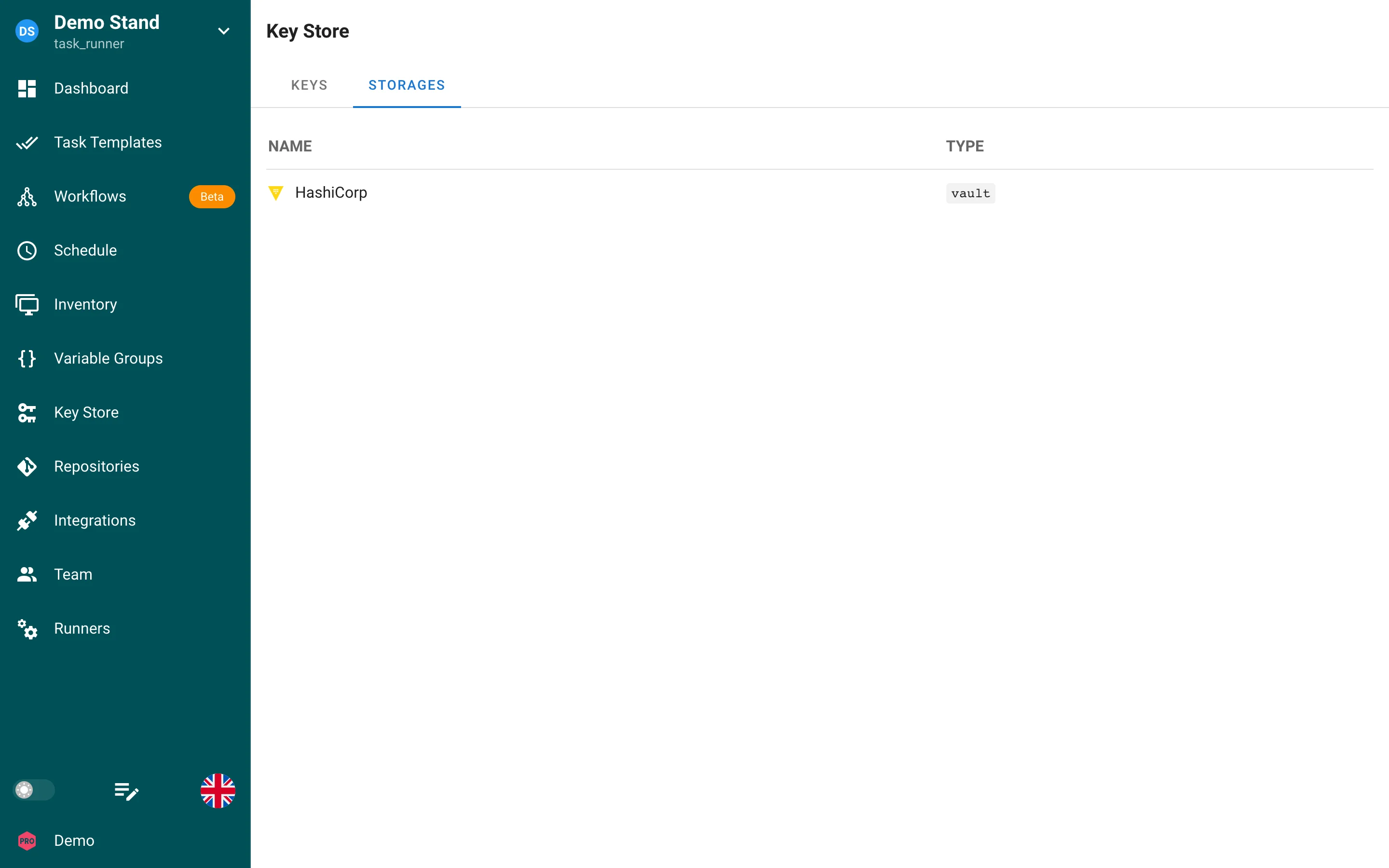
The Keys tab lists the credentials of the project with their type. The Storages tab (Pro) lists external secret storages configured for the project, see Secret Storages.
Types
1. SSH
SSH Keys are used to access remote servers as well as remote Repositories.
If you need assistance quickly generating a key and placing it on your host, here is a quick guide.
For Git Repositories that use SSH authentication, the Git Repository you are trying to clone from needs to have your public key associated to the private key.
Below are links to the docs for some common Git Repositories:
2. Login With Password
Login With Password is a username and password/access token combination that can be used to do the following:
- Authenticate to remote hosts (although this is less secure than using SSH keys)
- Sudo credentials on remote hosts
- Authenticate to remote Git Repositories over HTTPS (although SSH is more secure)
- Unlock Ansible vaults
This type of secret can be used as Personal Access Token (PAT) or secret string. Simply leave the Login field empty.
3. None
This is used as a filler for Repos that do not require authentication, like an Open-Source Repository on GitLab.
Secret Storages
Semaphore UI supports different storages for secrets. You can choose the storage per-secret when creating or editing a secret.
External storages are created on the Storages tab of the Key Store (Pro). Each storage has a name and a type; keys then reference the storage and the path of the secret inside it.
Database
Secrets are stored in the database in encrypted form by default. The encryption key is configured via the configuration option
access_key_encryption or SEMAPHORE_ACCESS_KEY_ENCRYPTION (must be generated using head -c32 /dev/urandom | base64).
Environment variable or file
A key can read its value from an environment variable of the Semaphore server or from a file on the server (for example an SSH key mounted into the container). The Env and File tabs of the key form select this mode.
Files must be inside the configured secrets directory (dirs.secrets / SEMAPHORE_SECRETS_PATH, default /tmp/semaphore),
and SSH and Login With Password keys must be wrapped in a small JSON document.
HashiCorp Vault
Secrets can be stored in an external HashiCorp Vault instance instead of the database.
OpenBao
Secrets can be stored in an external OpenBao instance (an open-source, API-compatible fork of HashiCorp Vault).
AWS Secrets Manager
EnterpriseSecrets can be stored in AWS Secrets Manager. Authenticate with an IAM role/instance profile or static access keys.
Devolutions Server
Secrets can be stored in an external Devolutions Server instance instead of the database.
CyberArk
EnterpriseSecrets can be read from and stored in CyberArk Privileged Access Manager (Self-Hosted or Privilege Cloud) through the PVWA REST API.
Syncing secrets from remote storages
Semaphore can automatically import secrets from an external secret manager (HashiCorp Vault, OpenBao, AWS Secrets Manager, Azure Key Vault, Devolutions Server, or CyberArk) and keep them in sync. Sync paths let you choose which secrets to import and how to name them.