Variable Groups
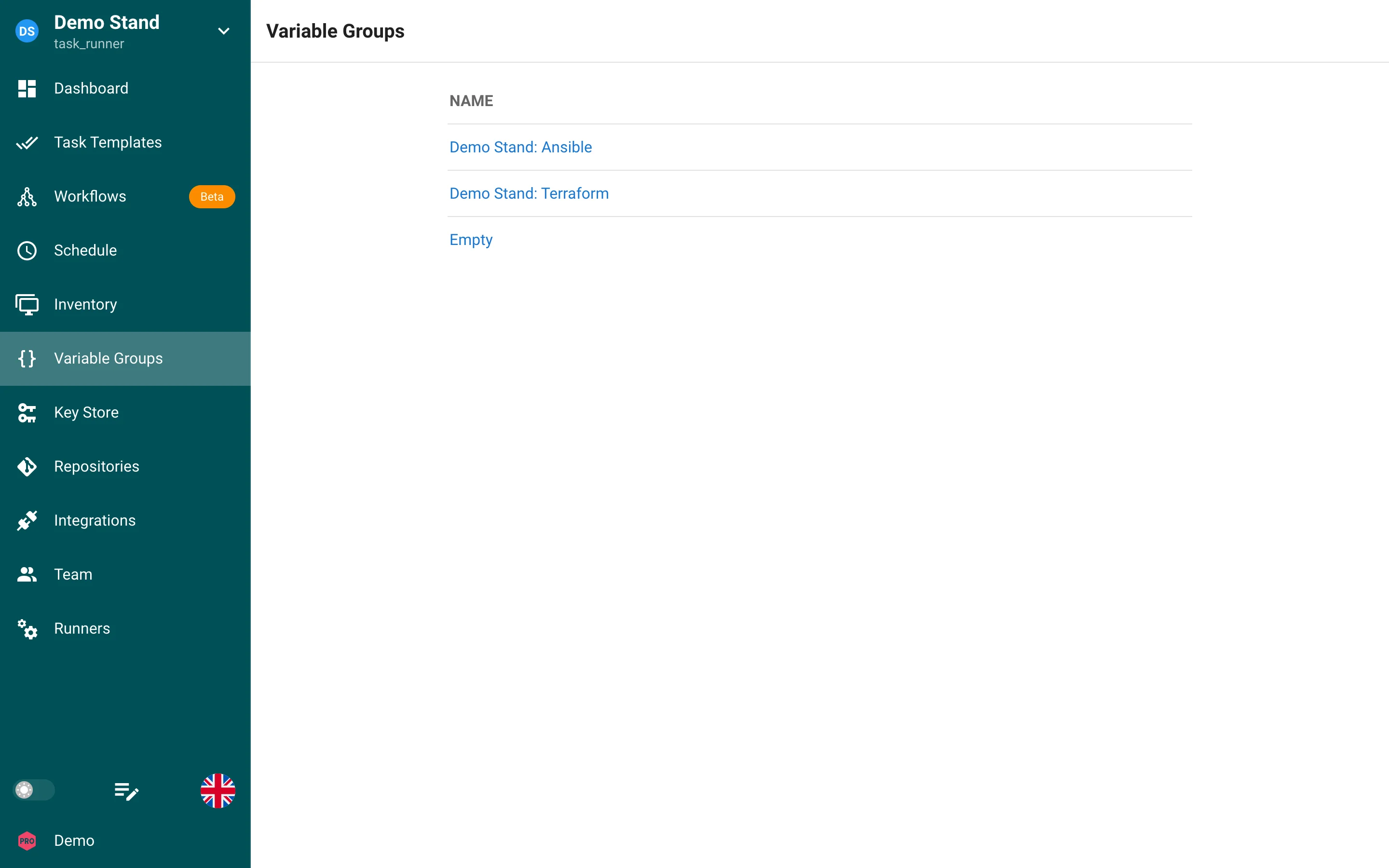
The Variable Groups section of Semaphore is a place to store additional variables for an inventory and must be stored in JSON format.
All task templates require a variable group to be defined even if it is empty.
Ansible receives the variables of a group as extra variables from a temporary file in which every value that contains a Jinja2 delimiter ({{ … }}, {% … %} or {# … #}) is tagged !unsafe: a Jinja2 expression stored in a variable group reaches the playbook literally and is not evaluated. Values keep their JSON type: the string "2026.08" reaches the playbook as a string, the number 3 as a number. Secrets of the group that are passed as variables travel in a separate file encrypted with Ansible Vault.
Create a variable group
- Click on the Variable Group tab.
- Click on the New Variable Group button.
- Name the Variable Group and type or paste in valid JSON variables. If you just need an empty Variable Group type in
{}.
Updating a variable group
- Click on the Variable Groups tab.
- Click the pencil icon.
- Make changes and click save.
Deleting the variable group
Before you remove a variable group, you must remove all resources tied to it. If you are not sure which resources are being used in a variable group, follow steps 1 and 2 below. It will show you which resources are being used, with links to those resources.
- Click on the Variable Group.
- Click the trash can icon next to the Variable Group.
- Click Yes if you are sure you want to remove the variable group.
Using Variable Groups - Terraform/OpenTofu
When you want utilize a stored variable group variable or secret in your terraform template you must prefix the name with TF_VAR_ for the terraform script to use it.
Example Passing Hetzner Cloud API key to OpenTofu/Terraform playbook.
- Click on Variable Group
- Click
New Group - Click on
Secretstab - Add
TF_VAR_hcloud_tokenand add yousecretin the hidden field - Click Save
We will call our secret TF_VAR_hcloud_token as var.hcloud_token in
hetzner.tf
terraform {
  required_providers {
    hcloud = {
      source  = "hetznercloud/hcloud"
      version = "~> 1.45"
    }
  }
}

# Declare the variable
variable "hcloud_token" {
  type        = string
  description = "Hetzner Cloud API token"
  sensitive   = true  # This prevents the token from being displayed in logs
}

provider "hcloud" {
  token = var.hcloud_token
}

# Create a new server running debian
resource "hcloud_server" "webserver" {
  name        = "webserver"
  image       = "ubuntu-24.04"
  server_type = "cpx11"
  location    = "ash"
  ssh_keys = [ "mysshkey" ]
  public_net {
    ipv4_enabled = true
    ipv6_enabled = true
  }
}