Applications
An application is the tool a task template runs. Semaphore ships with seven built-in applications; administrators can switch them on and off and register their own.
| Application | ID | What a template runs | Guide |
|---|---|---|---|
| Ansible Playbook | ansible | ansible-playbook with the selected inventory | Ansible |
| Terraform Code | terraform | terraform in the selected subdirectory and workspace | Terraform/OpenTofu |
| OpenTofu Code | tofu | tofu, same options as Terraform | Terraform/OpenTofu |
| Terragrunt Code | terragrunt | terragrunt wrapping Terraform or OpenTofu | Terragrunt |
| Bash Script | bash | a shell script with /bin/bash | Shell |
| PowerShell Script | powershell | a .ps1 script with pwsh | PowerShell |
| Python Script | python | a .py script with python3 | Python |
The tool itself must be installed on the machine that executes tasks: the Semaphore server or the runner. The official Docker image contains Ansible, Terraform, OpenTofu, Bash, and Python.
Managing applications
Administrators open Applications from the account menu at the bottom of the sidebar.
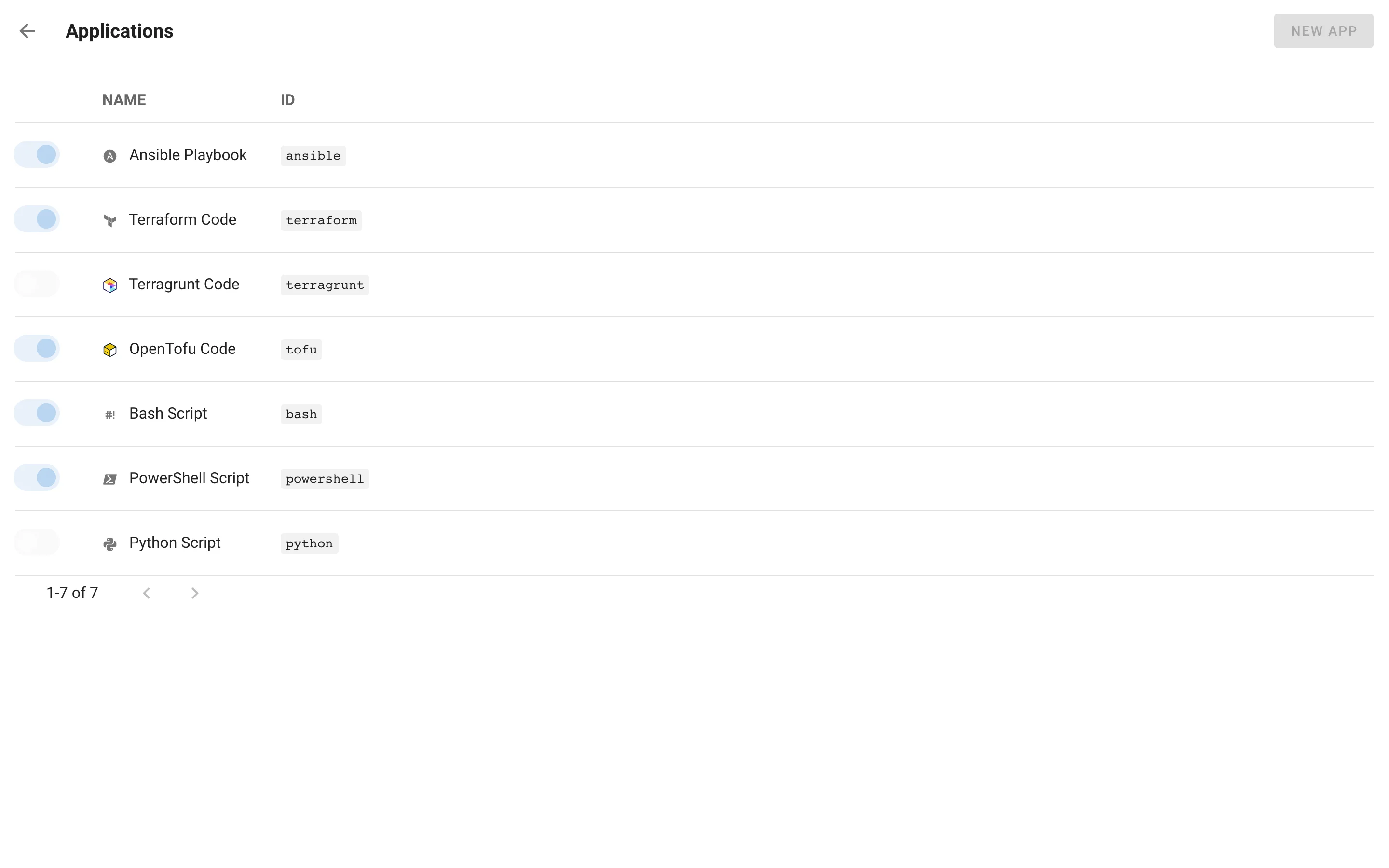
The switch in every row enables or disables the application. A disabled application is not offered in the template form, existing templates keep working. Only enabled applications appear when creating a template, so disable the tools that are not installed on your server.
Click an application to change its title, icon, binary path, and priority (the order in the template form).
Custom applications
New App registers any command line tool as an application:
| Field | Description |
|---|---|
| ID | Short identifier used in the API and in templates, for example pulumi. |
| Icon | Icon shown next to the name. |
| Name | Title shown in the template form. |
| Path | Path to the executable on the server or runner. |
| Priority | Position in the application list. |
| Active | Whether the application is offered in templates. |
A template of a custom application runs the executable with the script file from the repository as the argument and receives variable groups as environment variables, the same way as Bash templates.
Applications can also be predefined in the server configuration, see the apps section in Configuration.