Terragrunt
Terragrunt is a wrapper for Terraform and OpenTofu that keeps configurations DRY and manages dependencies between modules. Semaphore runs it the same way as Terraform/OpenTofu, with a few differences described here.
Prerequisites
- Install the
terragruntbinary and aterraformortofubinary on the Semaphore server or on the runner that executes the tasks. - Enable the Terragrunt Code application: it is disabled by default. Open Applications from the account menu and turn the switch on, see Applications.
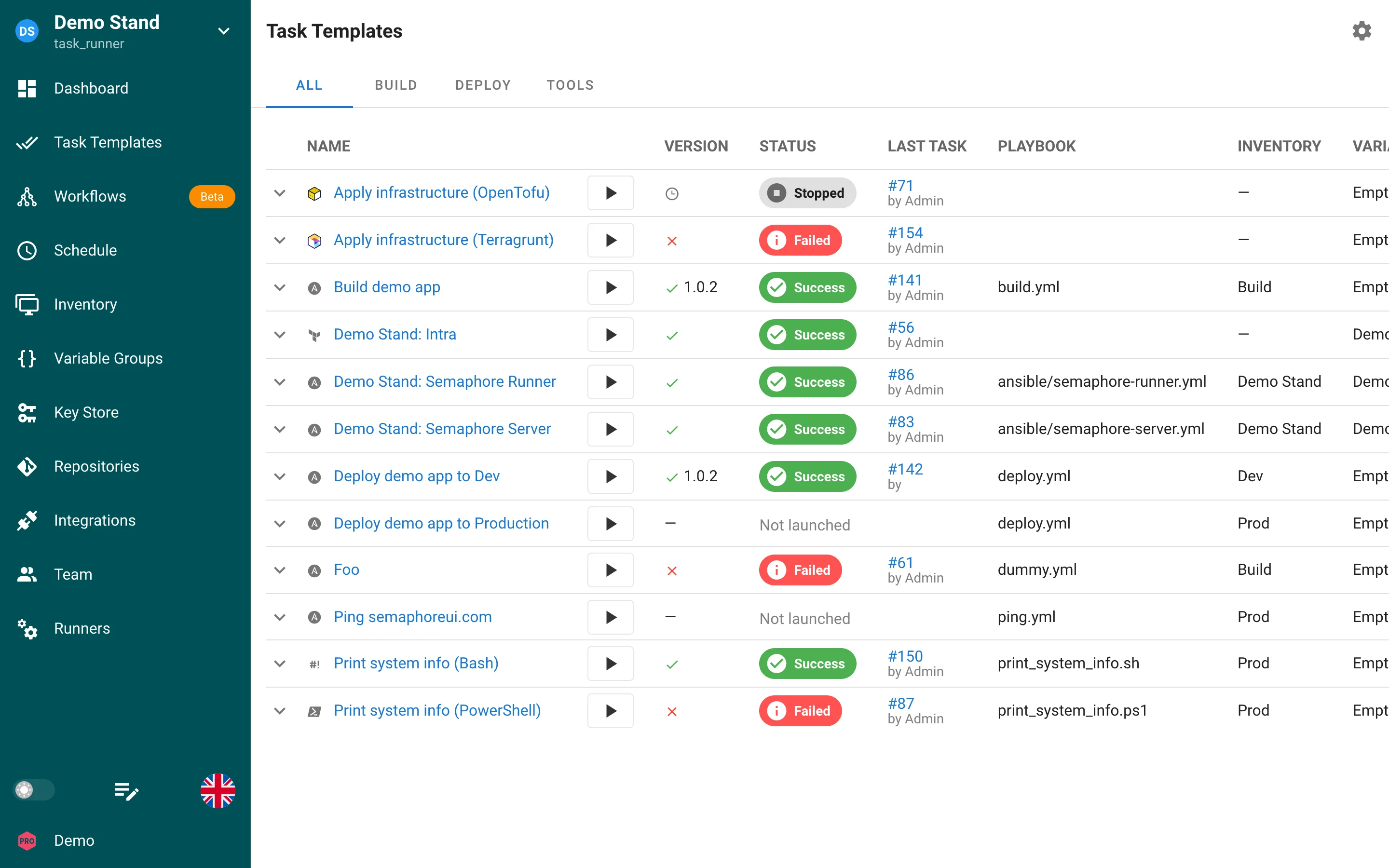
Creating a Terragrunt template
- Go to Task Templates and click New Template.
- Select Terragrunt Code as the app.
- Set the Repository and the subdirectory with your
terragrunt.hcl. - Select or create a Workspace in the Inventory field. Terragrunt templates use inventories of the type
terragrunt-workspace, see Workspaces. - Click Create, then Run.
Running tasks
The New Task dialog offers the same options as for Terraform: Plan, Destroy, Auto Approve, Upgrade, and Reconfigure.
Semaphore calls terragrunt run -- <terraform arguments> and passes the Terraform or OpenTofu binary with --tf-path, unless you already set --tf-path in the template's CLI args. Workspace selection is performed with terragrunt run -- workspace select -or-create=true <name>.
Variables from the selected Variable Groups are passed as environment variables, so use the TF_VAR_ prefix for input variables. Extra variables and survey variables are passed as -var name=value arguments.
Notes
terragruntrunsinitautomatically before every command.- The HTTP state backend and the state list on the Workspaces tab work as for Terraform, see HTTP backend.
- To use
run-allacross several modules, add the arguments in CLI args of the template.