 17 min read


Installation and setup
The installation should match the service the team needs to operate. AAP supports RHEL and OpenShift deployments, while Semaphore UI also offers standalone binaries and native packages.
| Criteria | Semaphore UI | Ansible Automation Platform |
|---|---|---|
| Standalone binary | Yes | No |
| Native Linux packages | YesDEB / RPM | YesDeprecated RHEL 9 RPM migration path |
| Native Windows server | YesAnsible requires WSL/container/Linux runner | NoRHEL and OpenShift deployments |
| Deployment without Kubernetes | Yes | Yes |
| Kubernetes deployment | YesHelm chart | YesRed Hat OpenShift Operator |
| High availability | YesEnterprise | YesTested enterprise topologies |
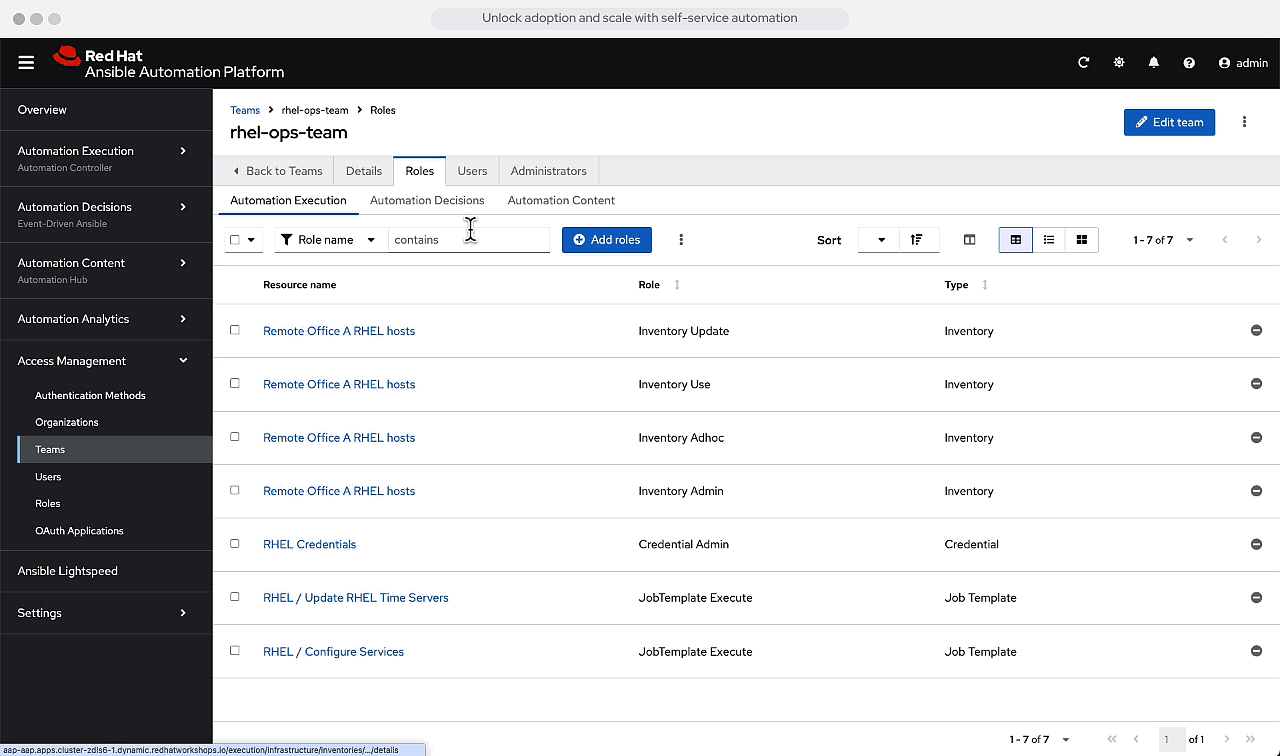
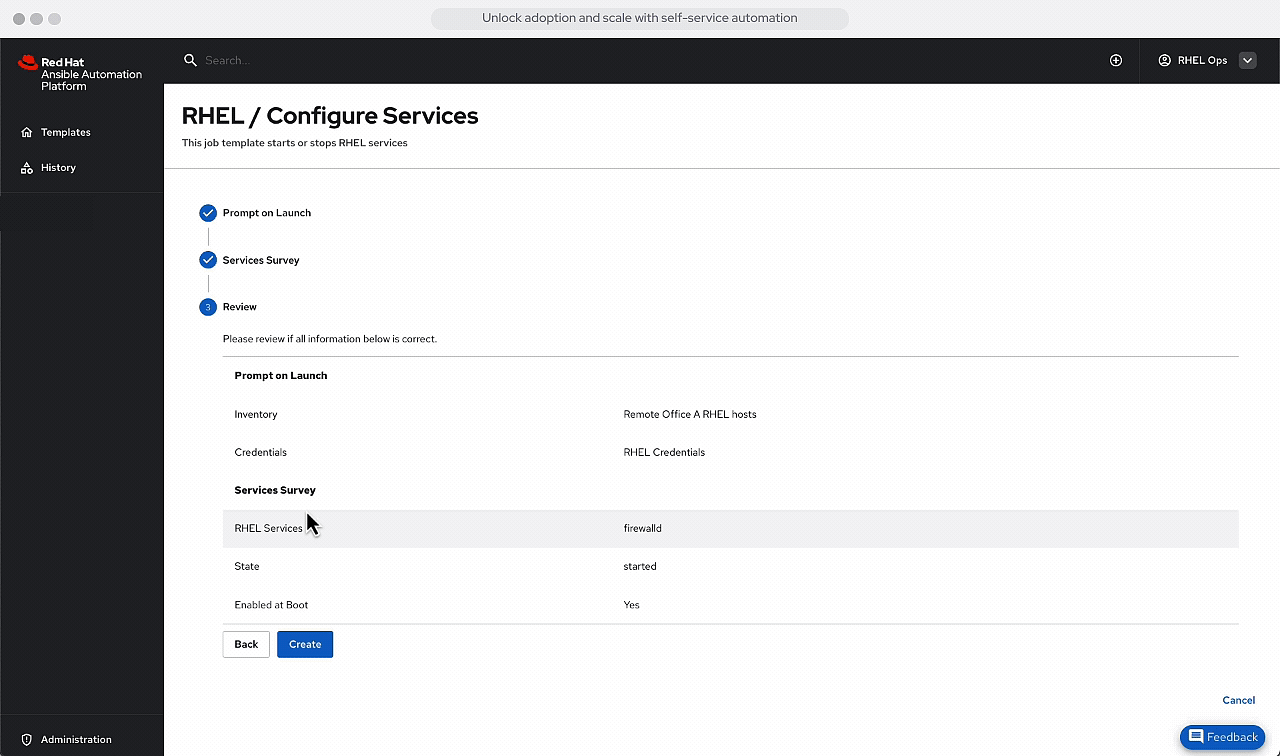
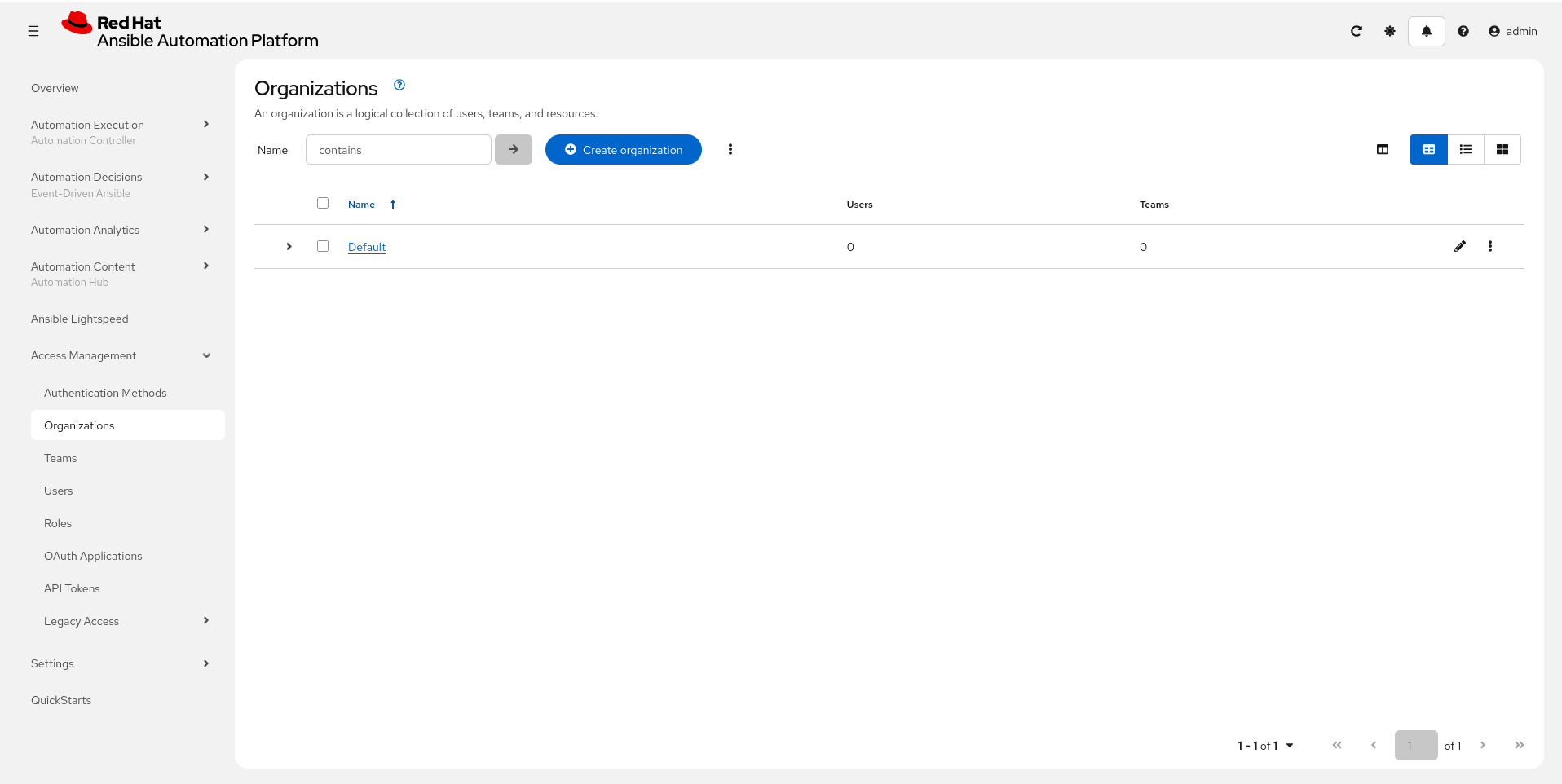
AAP 2.6 supports a containerized Podman installation on RHEL and an Operator-based installation on OpenShift. Its older RPM installer remains supported on RHEL 9 in 2.6 for migration, but is deprecated. Red Hat documents supported topologies and a product lifecycle for those deployments. Kubernetes is not a requirement for every AAP installation.
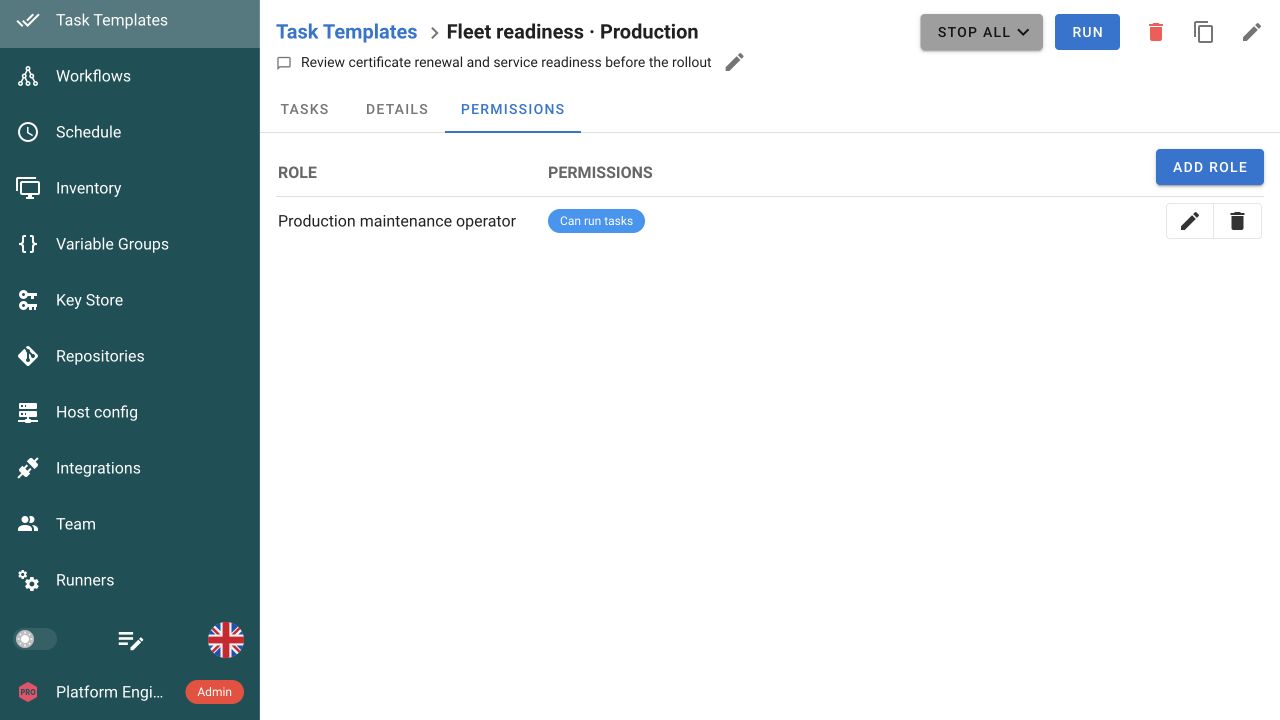
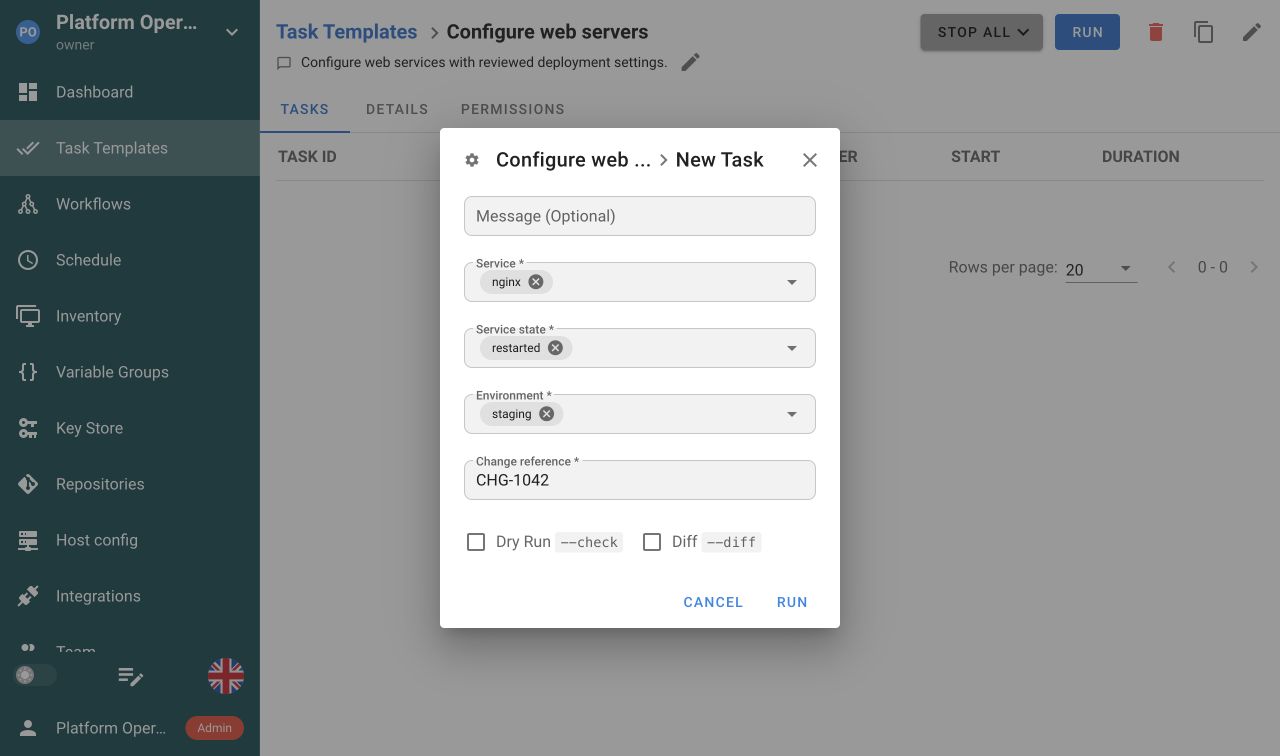
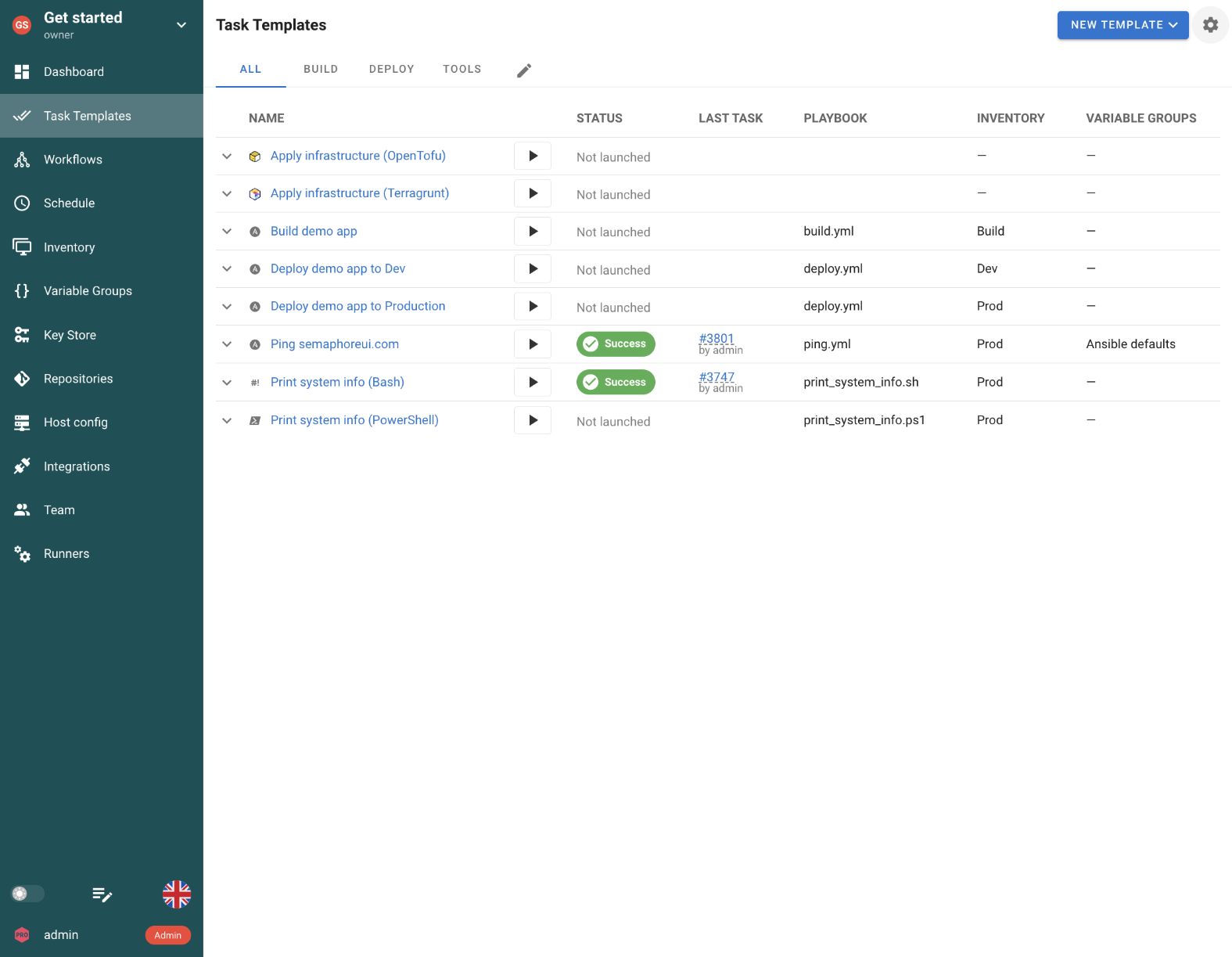
Semaphore UI can run as a binary or native package on an existing host, as well as through Docker or Kubernetes. A team introducing a shared interface for Ansible can choose a conventional server installation and reuse the repositories and infrastructure it already operates. Enterprise adds high availability when the automation service needs redundant application instances. The Semaphore UI server also runs natively on Windows, while Ansible execution needs WSL, a container or a Linux runner.
Semaphore UI can share patching and deployment jobs from an existing server. AAP’s deployment topology depends on the selected components and the execution capacity the team needs to maintain.