Integrations
Integrations allow establishing interaction between Semaphore and external services, such as GitHub and GitLab.
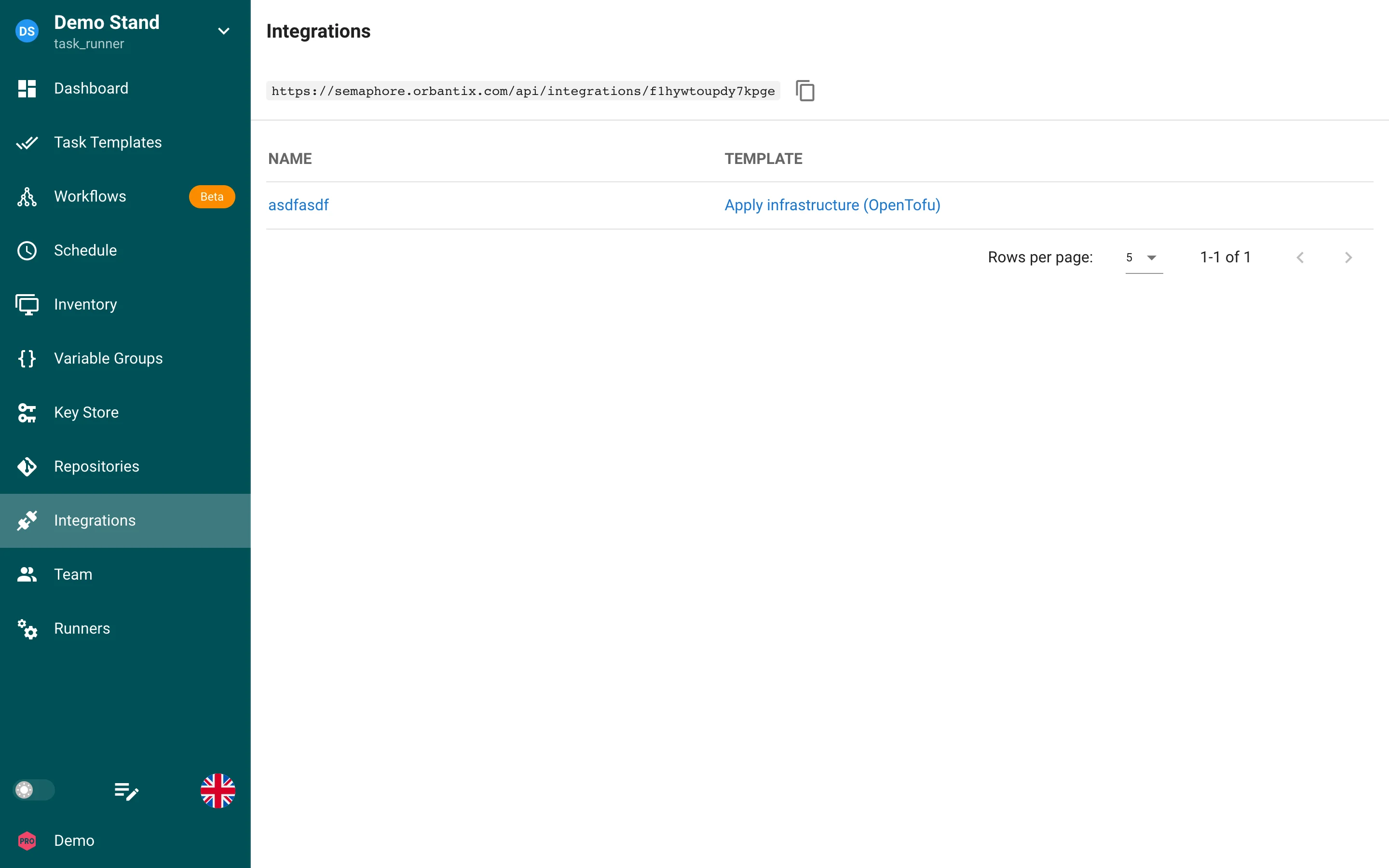
The project webhook URL is shown above the list. Every integration has a name and the template it starts; click an integration to configure its matchers and value extractors.
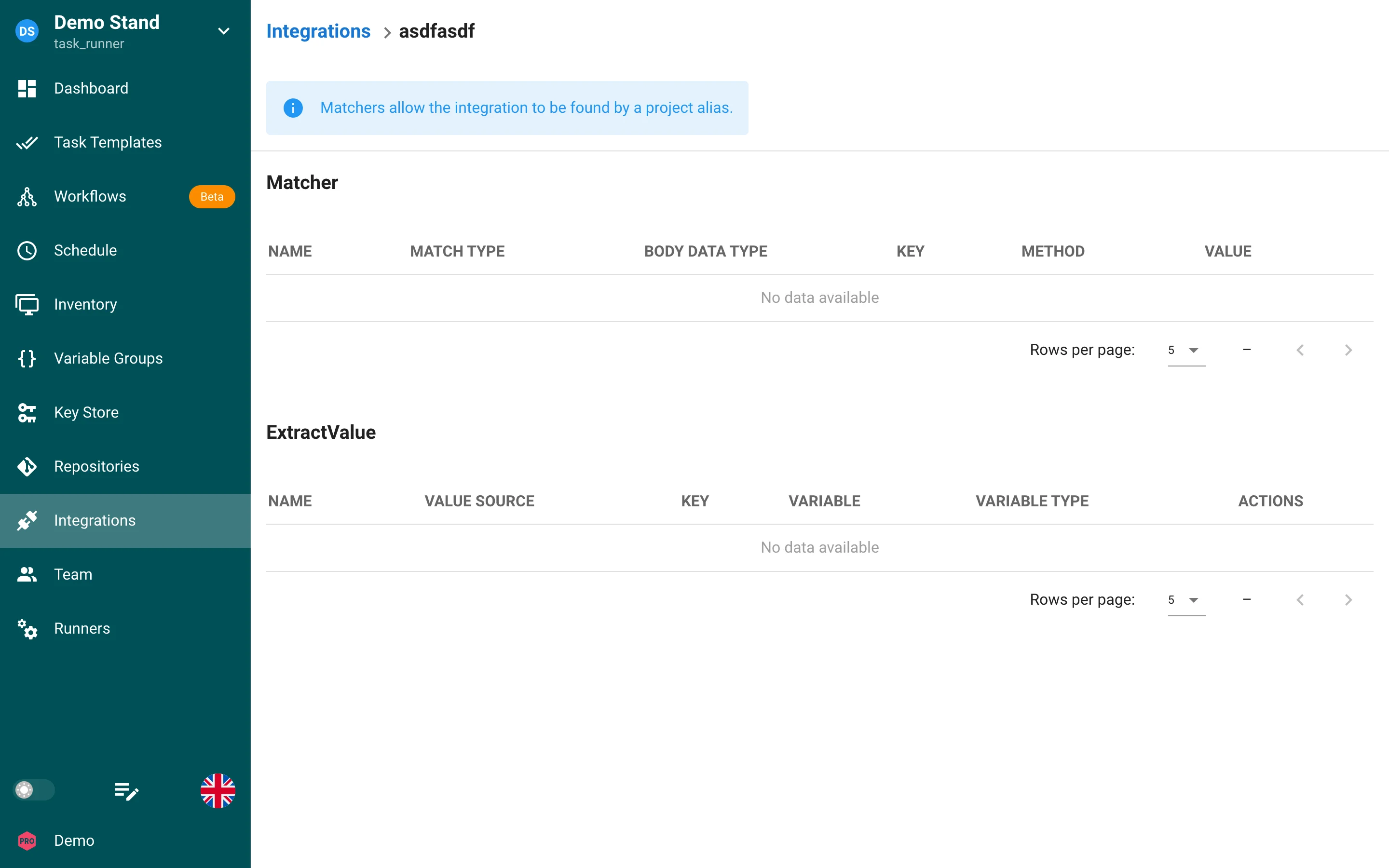
Using integration, you can trigger a specific template by calling a special endpoint (alias), for which you can configure one of the following authentication methods:
- GitHub Webhooks
- Token
- HMAC (SHA-256)
- HMAC (SHA-512)
- No authentication
The alias represents a URL in the following format: /api/integrations/<random_string>. Supports GET and POST requests.
HMAC authentication
HMAC auth methods (hmac / SHA-256 and hmac-sha512 / SHA-512) verify that the webhook body was signed with a shared secret.
Configure:
- Auth header — the request header that carries the signature (for example
X-SignatureorX-Hub-Signature-256). - Auth secret — a key-store login/password credential; Semaphore uses the password value as the HMAC secret.
The sender must put a raw hexadecimal HMAC digest of the raw request body into that header (no sha256= / sha512= prefix). Semaphore compares it with HMAC-SHA256 or HMAC-SHA512 of the body using the configured secret.
Example (SHA-512) with OpenSSL:
SECRET='your-webhook-secret'
BODY='{"event":"deploy"}'
SIG="$(printf '%s' "$BODY" | openssl dgst -sha512 -hmac "$SECRET" | awk '{print $2}')"

curl -X POST "https://semaphore.example.com/api/integrations/<alias>" \
  -H "Content-Type: application/json" \
  -H "X-Signature: ${SIG}" \
  --data "$BODY"
Matchers
With matchers, you can define parameters of the incoming request. When these parameters match, the template will be invoked.
Value Extractors
With an extractor, you can take data from the request header or body (JSON field or string) and pass it to the task. Each extracted value has a Variable type:
- Environment: the value is added to the task's environment variables, overriding a variable of the same name from the variable group.
- Task parameter: the value becomes a task parameter, for example a survey variable or a prompt.
Task parameters
Integrations can trigger tasks with parameters. Use value extractors to build a JSON payload for task parameters and configure the template to accept prompted values.
Notes on aliases and matchers
A project alias (the URL above the integration list) is shared by all integrations of the project: Semaphore checks the matchers of every integration and starts the templates whose matchers match. An integration can also have its own alias; requests to it start that integration without evaluating matchers. Prefer token/HMAC authentication as needed and pass parameters via extractors.