Your account
Your personal settings live in the account menu at the bottom of the sidebar. Click your name to open it.

| Item | Description | |---|---|ß | Version | The Semaphore UI version running on the server. | | API Tokens | Personal tokens for the REST API. | | Edit Account | Your name, username, e-mail, alert preference, and password. | | Sign Out | Ends the session. |
Next to the menu you find the dark mode switch and the language switcher. Both settings are stored in your browser.
Edit account
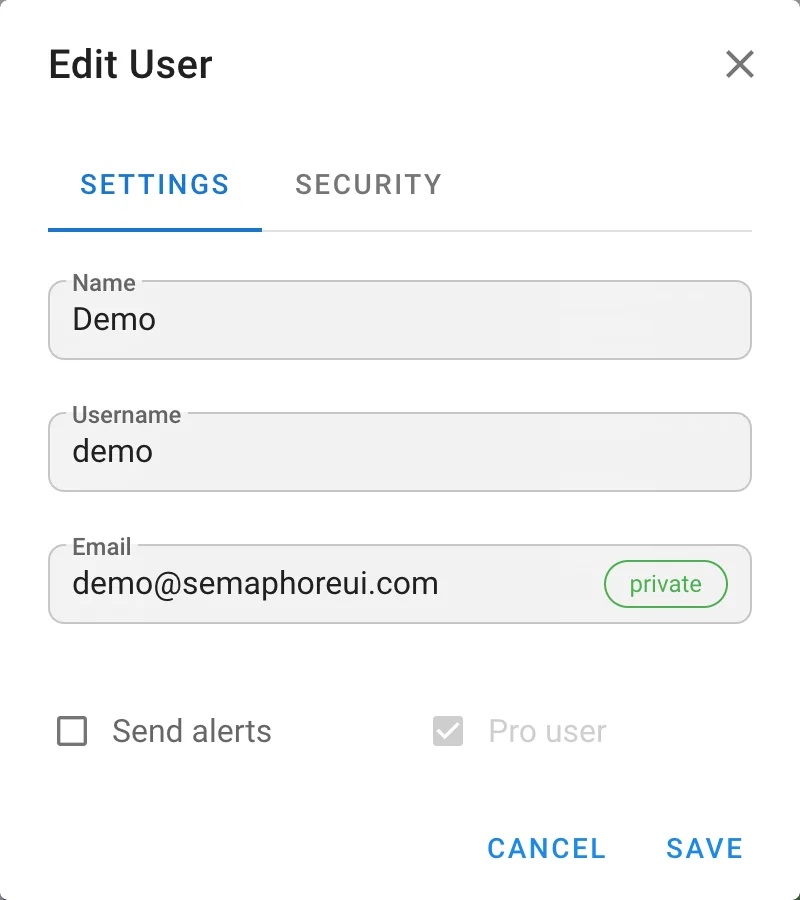
The Settings tab contains:
| Field | Description |
|---|---|
| Name | Display name shown in task history and activity. |
| Username | Login name. |
| Address used for e-mail alerts and password recovery. | |
| Send alerts | Receive e-mail alerts about tasks. Alerts are sent only when the e-mail channel is configured and the project allows alerts. |
Badges next to the checkboxes show your global flags: Pro user on a Pro instance, Admin for administrators, External for accounts managed by LDAP or OpenID Connect. External users cannot change their username or password here.
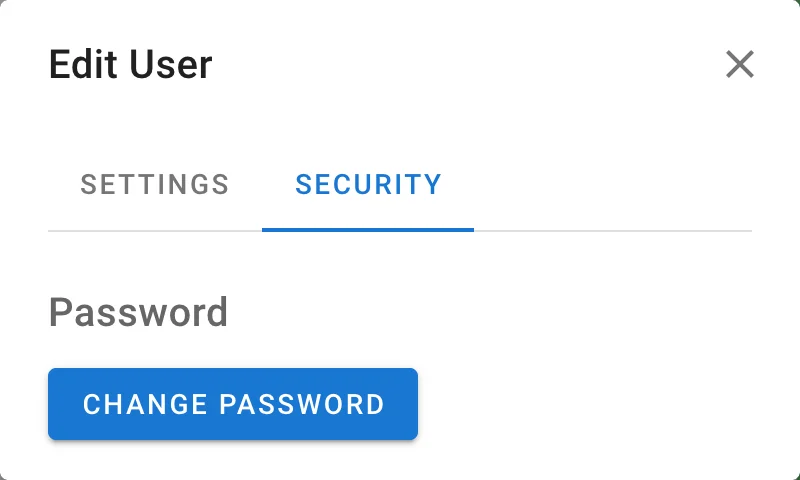
The Security tab lets you change your password. If the administrator enabled time-based one-time passwords, the second factor is configured on the same tab.
API tokens
Choose API Tokens in the account menu. The page lists your tokens with their creation date, expiration date, and status. The API Reference link opens the Swagger UI built into your instance.
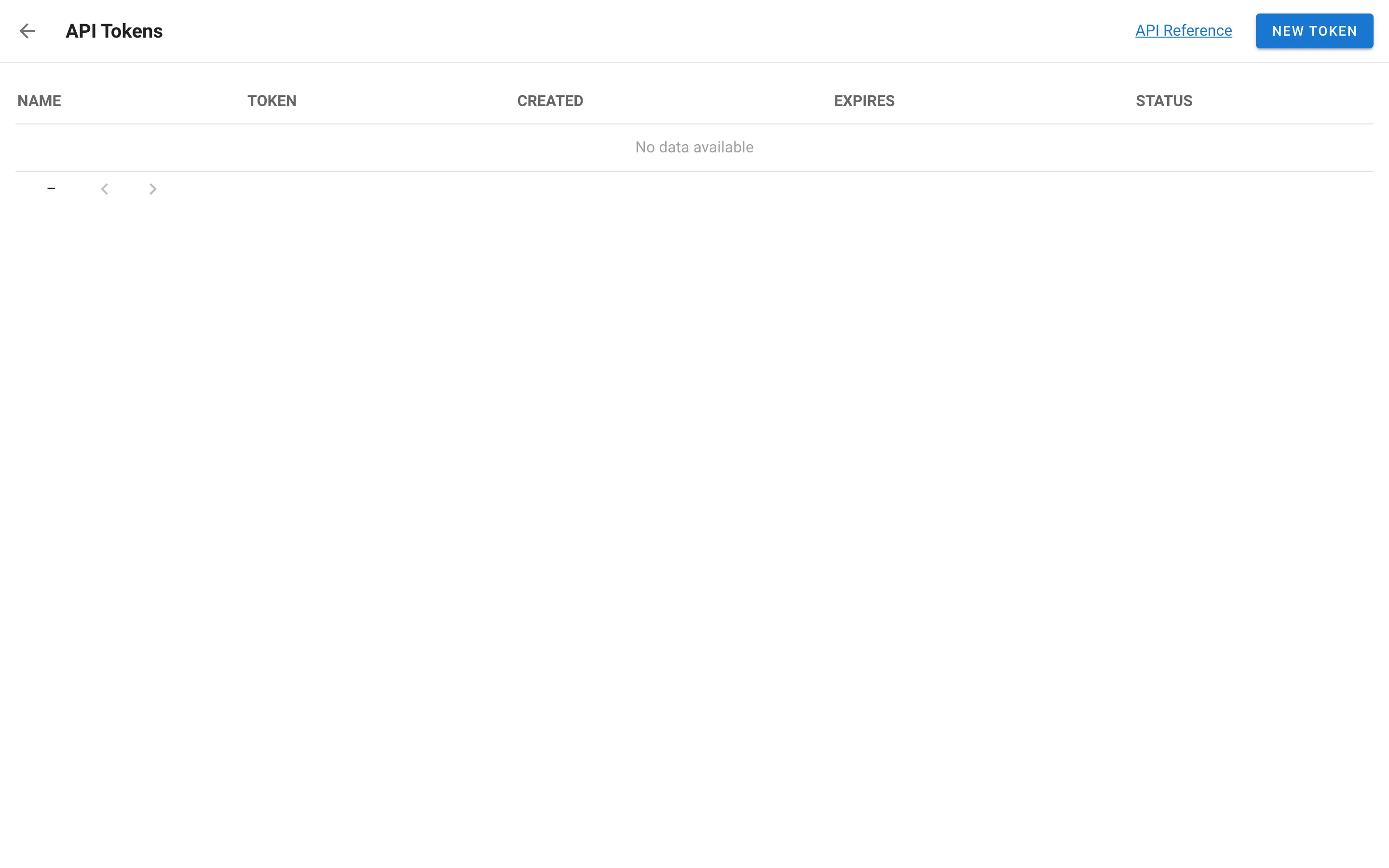
Click New Token, give the token a name, and choose when it expires. The token value is shown once after creation, copy it right away.

Use the token in the Authorization: Bearer header, see API. To revoke a token, delete it from the list.