Semaphore v2.18 introduces new features and improvements for infrastructure automation and DevOps teams. This release focuses on enhancing developer experience and streamlining infrastructure-as-code workflows.
Cloud Secret Manager Integration
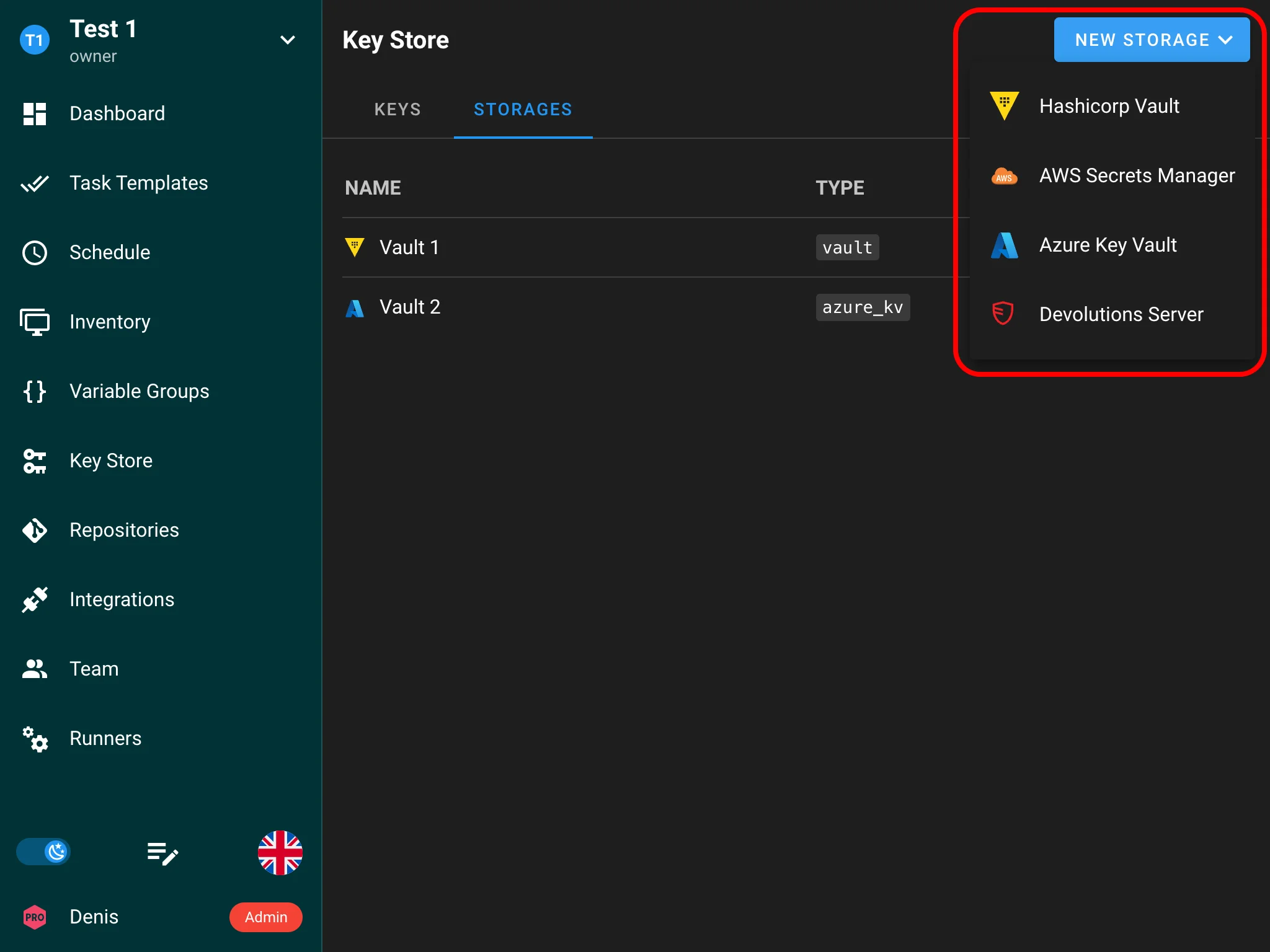
Organizations using cloud platforms need a way to pull secrets directly from their cloud provider’s secret management service at runtime, avoiding credential duplication and leveraging existing rotation policies. This feature adds native integrations with AWS Secrets Manager and Azure Key Vault as Enterprise-only capabilities.
Enterprise
- AWS Secrets Manager integration — pull secrets at runtime from AWS Secrets Manager using IAM roles, access keys, or assumed roles. Supports JSON-structured secrets with field extraction and automatic rotation. (#2248)
- Azure Key Vault integration — pull secrets at runtime from Azure Key Vault using managed identity or service principal authentication. Supports secrets, keys, and certificates with automatic rotation. (#2248, #3170)
Load secrets from remote storage
Semaphore can now automatically import secrets from HashiCorp Vault, AWS Secrets Manager, Azure Key Vault, and Devolutions Server into the Key Store, and keep them in sync.

Point a secret storage at HashiCorp Vault, AWS Secrets Manager, Azure Key Vault, or Devolutions Server, then define one or more sync paths to control the import:
- Path — which folder/subtree of the remote store to import from.
- Prefix — a string prepended to every generated key name, so you can namespace imports (e.g. prod-).
- Separator — how nested secret locations are flattened into a single readable key name (sensible per-provider defaults are applied).
Semaphore detects the right key type (SSH key, login/password, or secret string) automatically. Imports run on demand via Sync now, or on a background schedule you set in minutes. Each sync fully reconciles the mirror — adding, updating, and removing keys to match the source — while leaving your manually created keys alone. In high-availability deployments, scheduled syncs run on a single node to avoid duplicate imports.
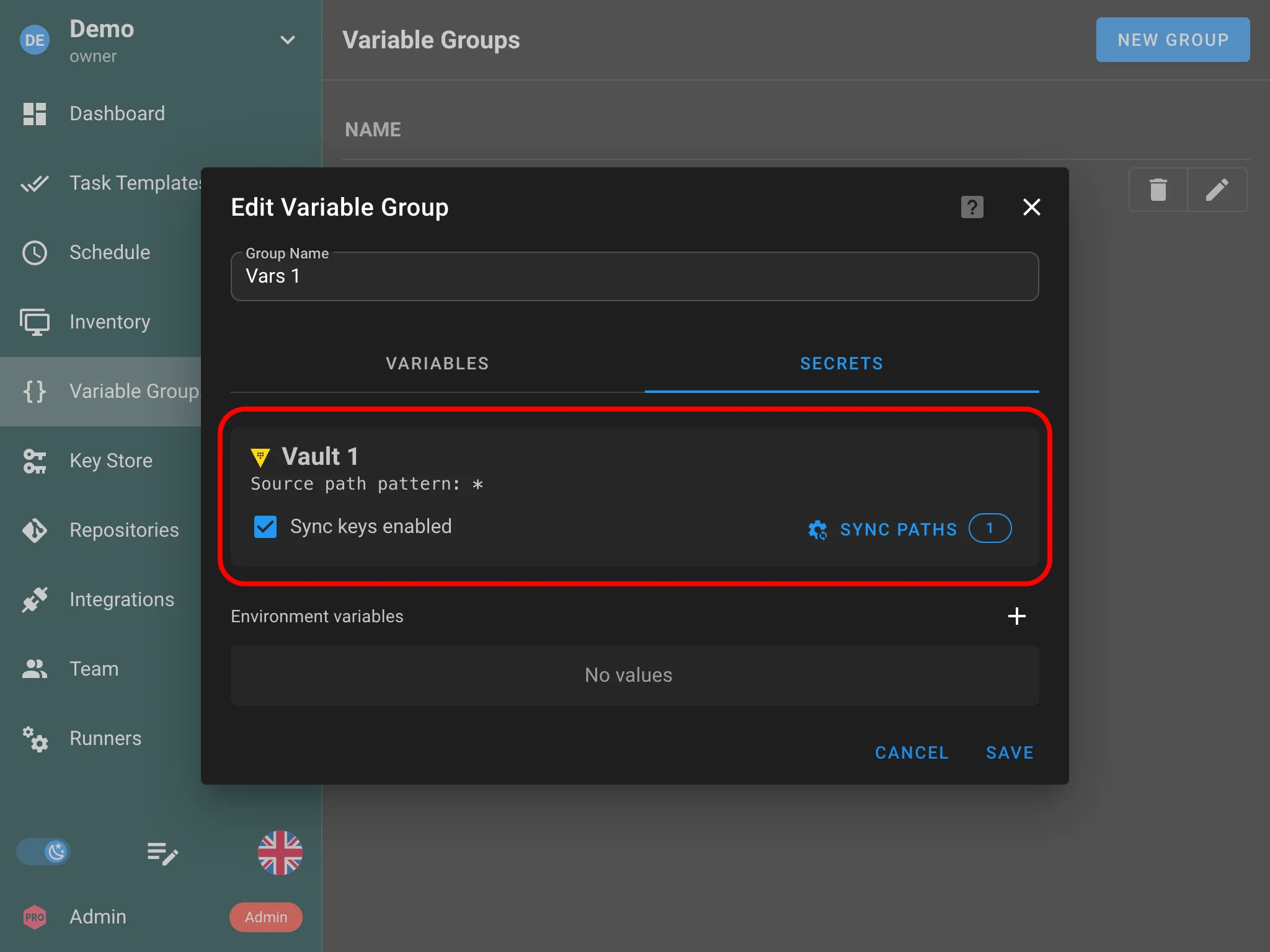
Sync paths work both at the key store level (shared project keys) and at the variable group level (environment variables).
Multiple Variable Groups per Template

Semaphore now supports attaching multiple Variable Groups (Environments) to each task template. Previously, only a single Variable Group could be attached, forcing users to duplicate variables across groups when multiple templates shared common settings, or to build monolithic Variable Groups that contained everything. Templates can now compose multiple Variable Groups, and this release resolves numerous bugs in variable handling — serialization, precedence, propagation, and survey variable lifecycle.
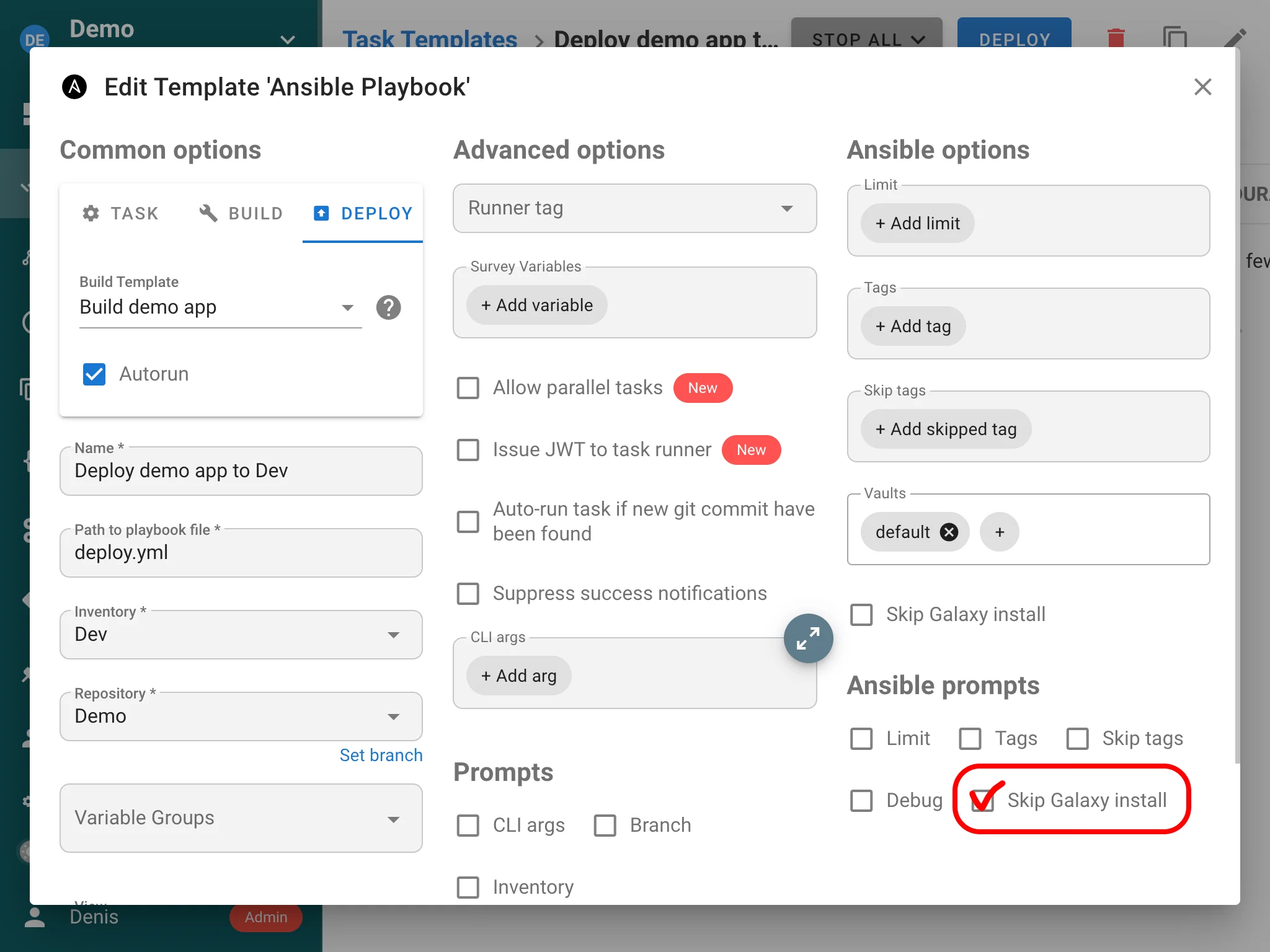
Skip galaxy install
Before running a playbook, Semaphore runs an ansible-galaxy install step to download the roles and collections declared in your requirements.yml. In many setups this step is unnecessary: the dependencies are already baked into the runner image, vendored into the repository, or served from an internal mirror. Running it on every task only adds latency — and in air-gapped environments without internet access it fails outright.
This release adds a Skip galaxy install option to the task template settings. When enabled, Semaphore bypasses the ansible-galaxy install preparation step and proceeds straight to running the playbook. This speeds up task startup and removes the hard dependency on Ansible Galaxy and Git access at execution time, which is especially useful for offline and pre-provisioned runners.