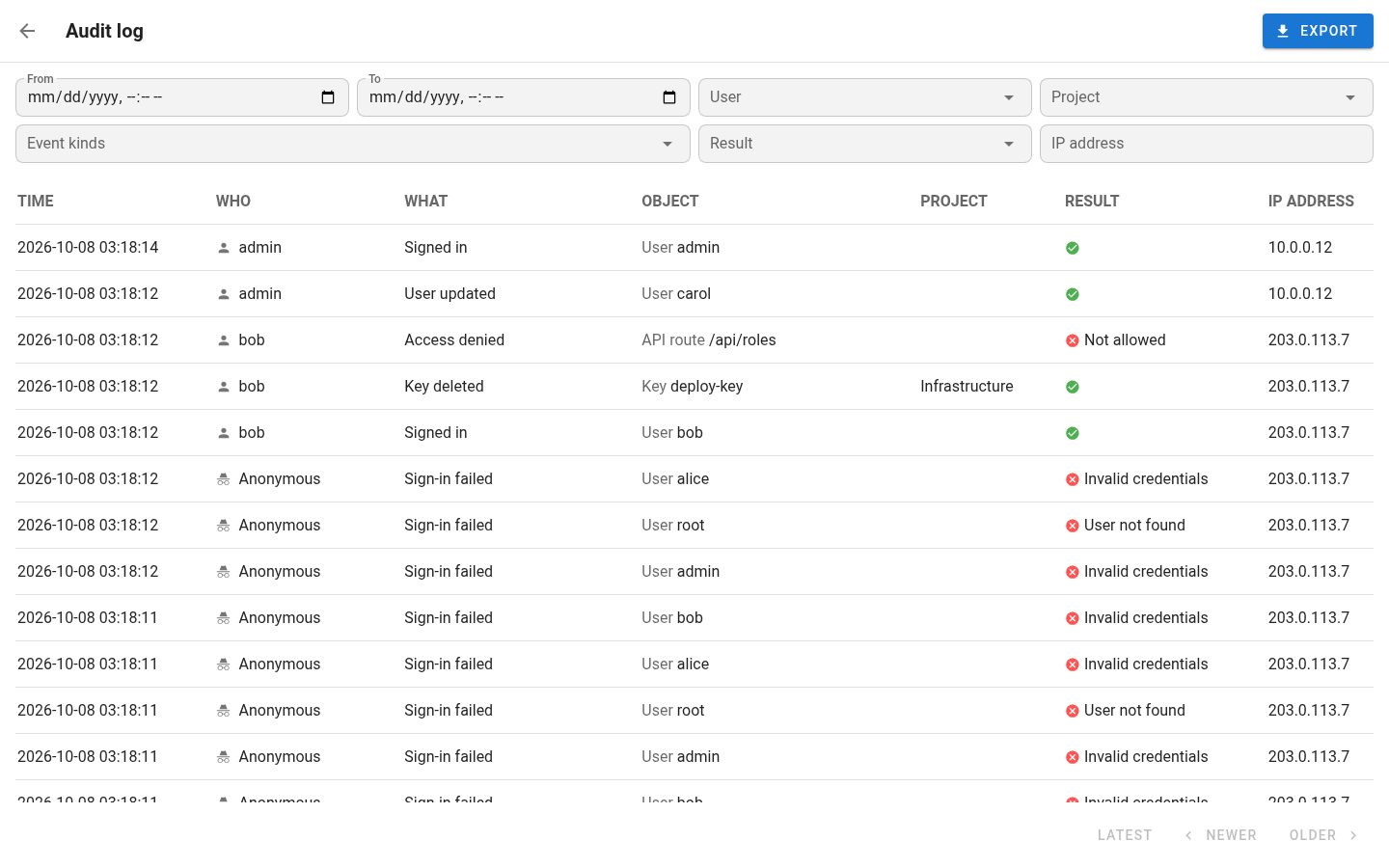
View the audit log
Administrators open Audit log from the user menu. The newest events come first, 50 to a page.
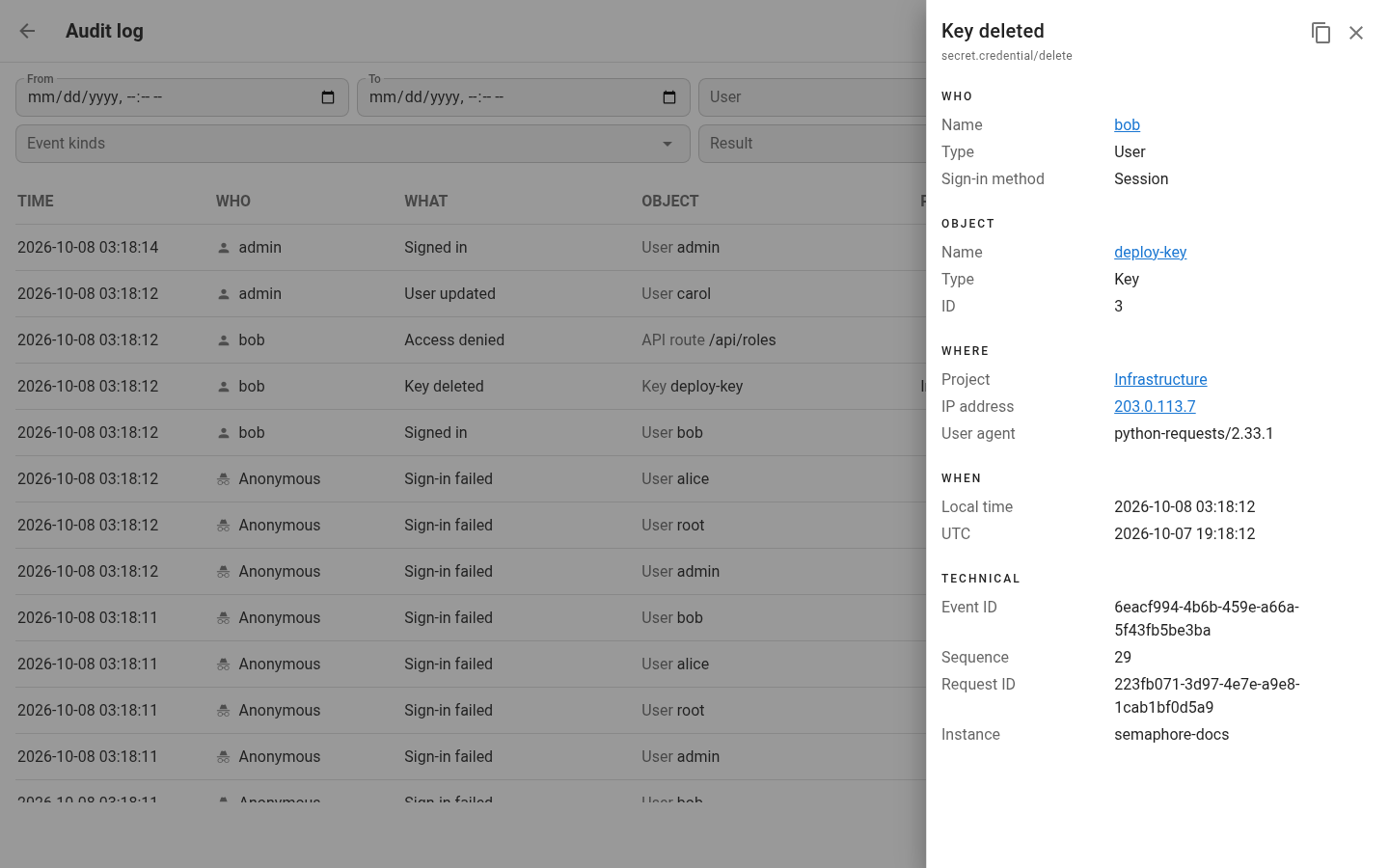
Click an event to see every field it has. The copy button copies the event in the format Semaphore sends to a SIEM.
Filter and export Pro
Filter by period, user, event kind, result, project or IP address. In an event, the user, the address, the object and the project are links that filter the log by them.
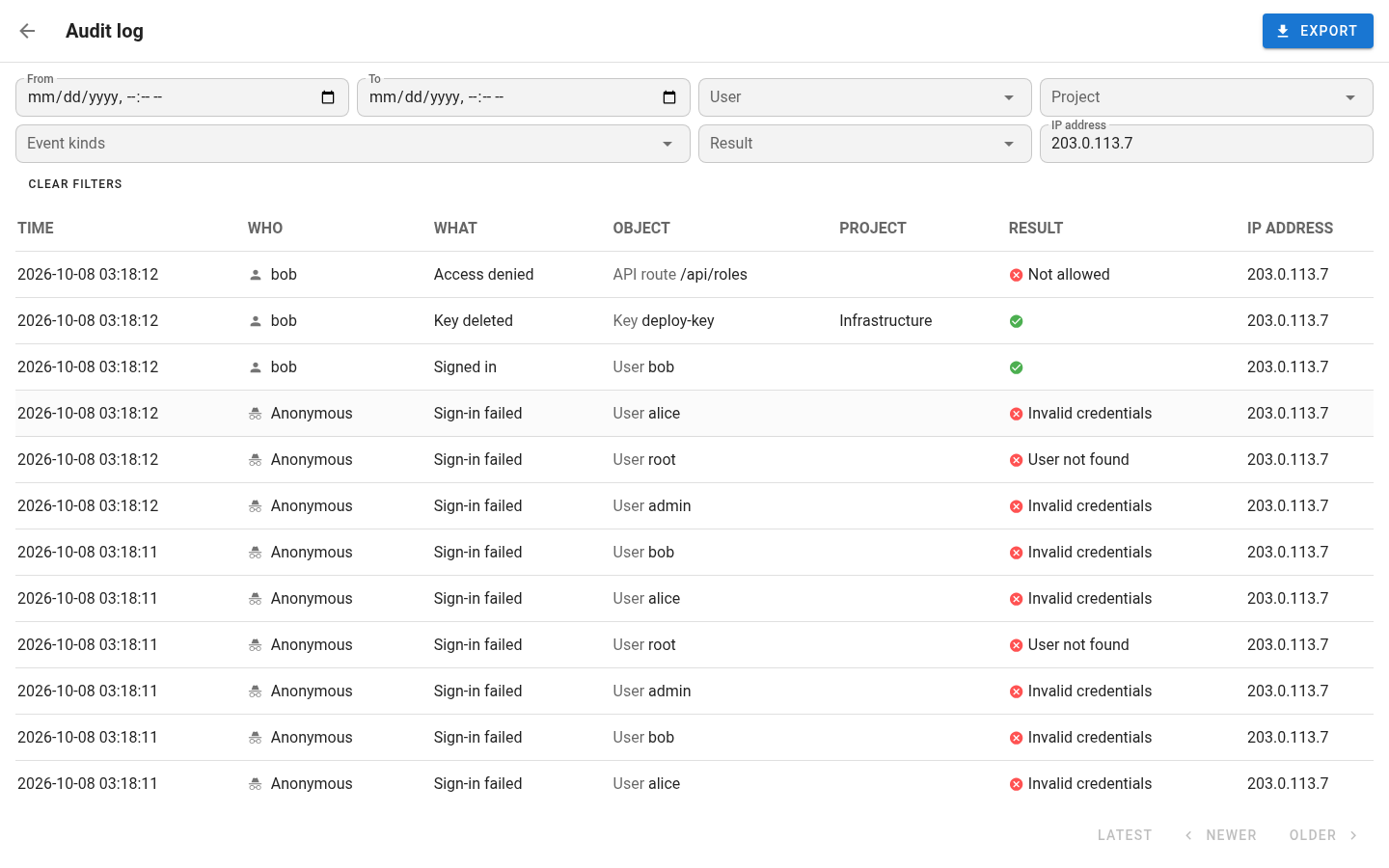
When a combination of filters finds few events, Semaphore searches about two seconds at a time. Older and Newer keep searching on their own until they find events, show how far the search got and stop on Stop.
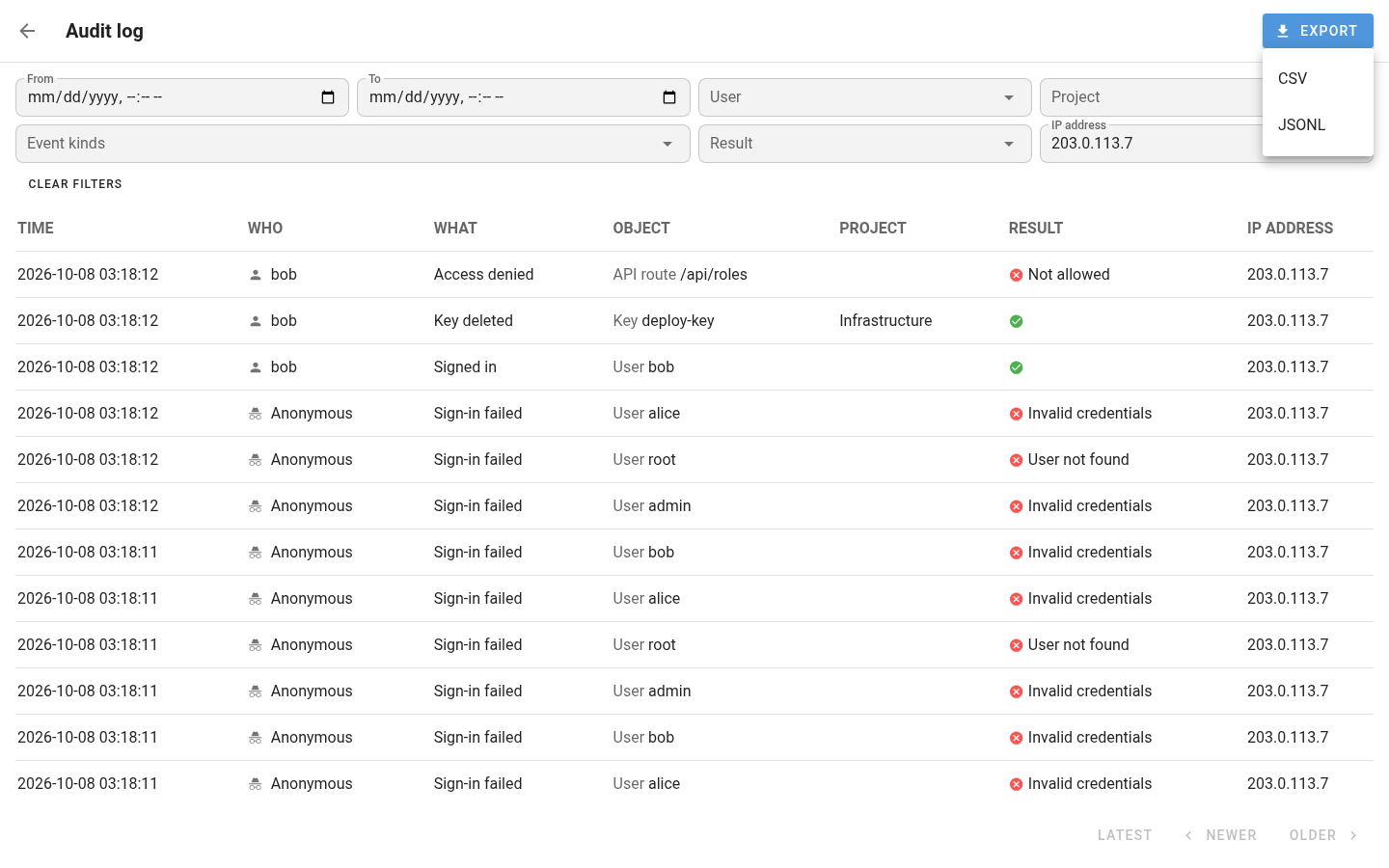
Export saves every event that matches the filters as a CSV or JSON Lines file. Each export is recorded as an
audit.log/export event.