Bitbucket Access Token
你可以在 Semaphore 中使用 Bitbucket Access Token 访问 Bitbucket 上的仓库(Repository)。
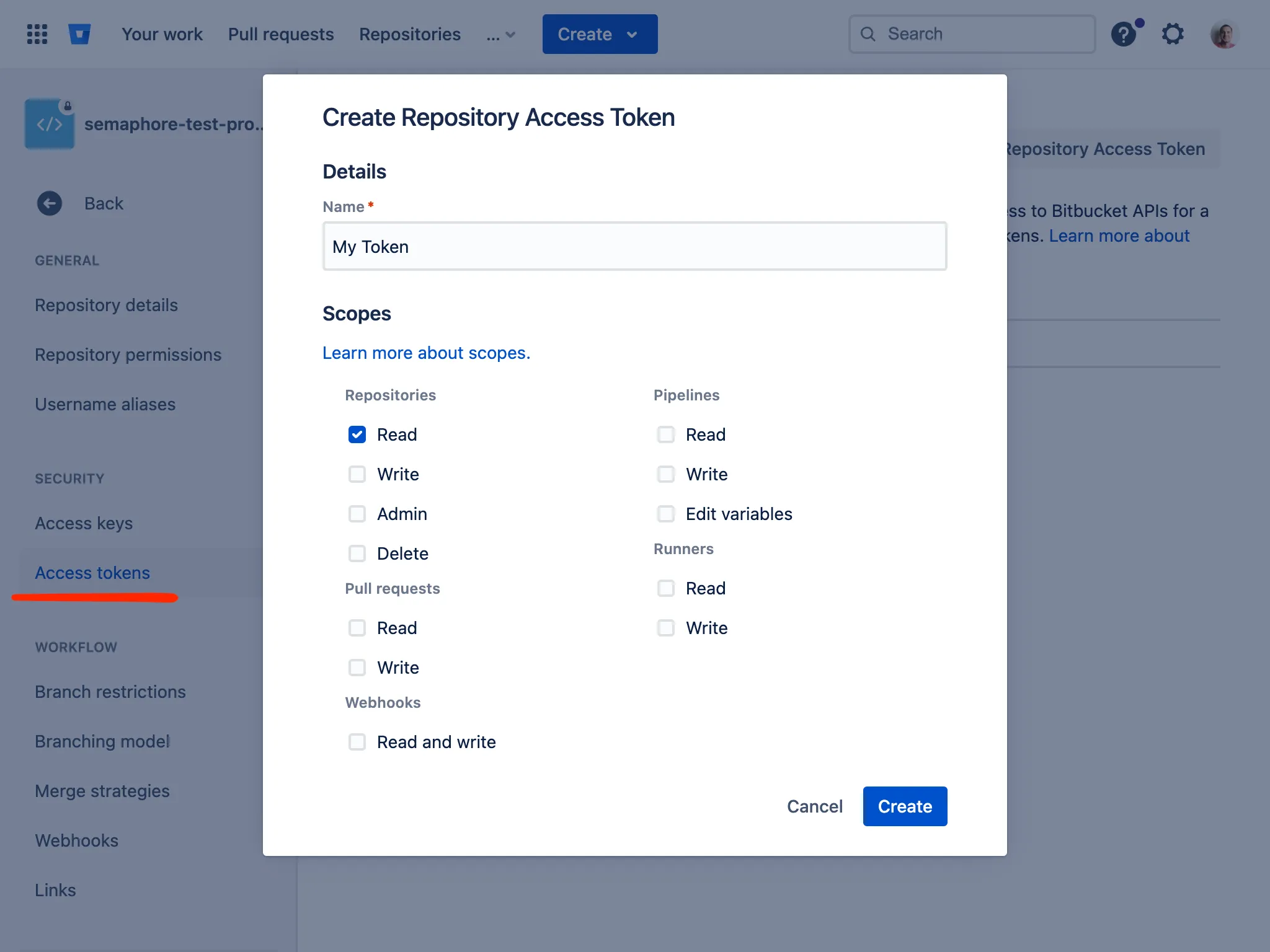
首先,你需要为 Bitbucket 仓库创建一个具有读取权限的 Access Token。
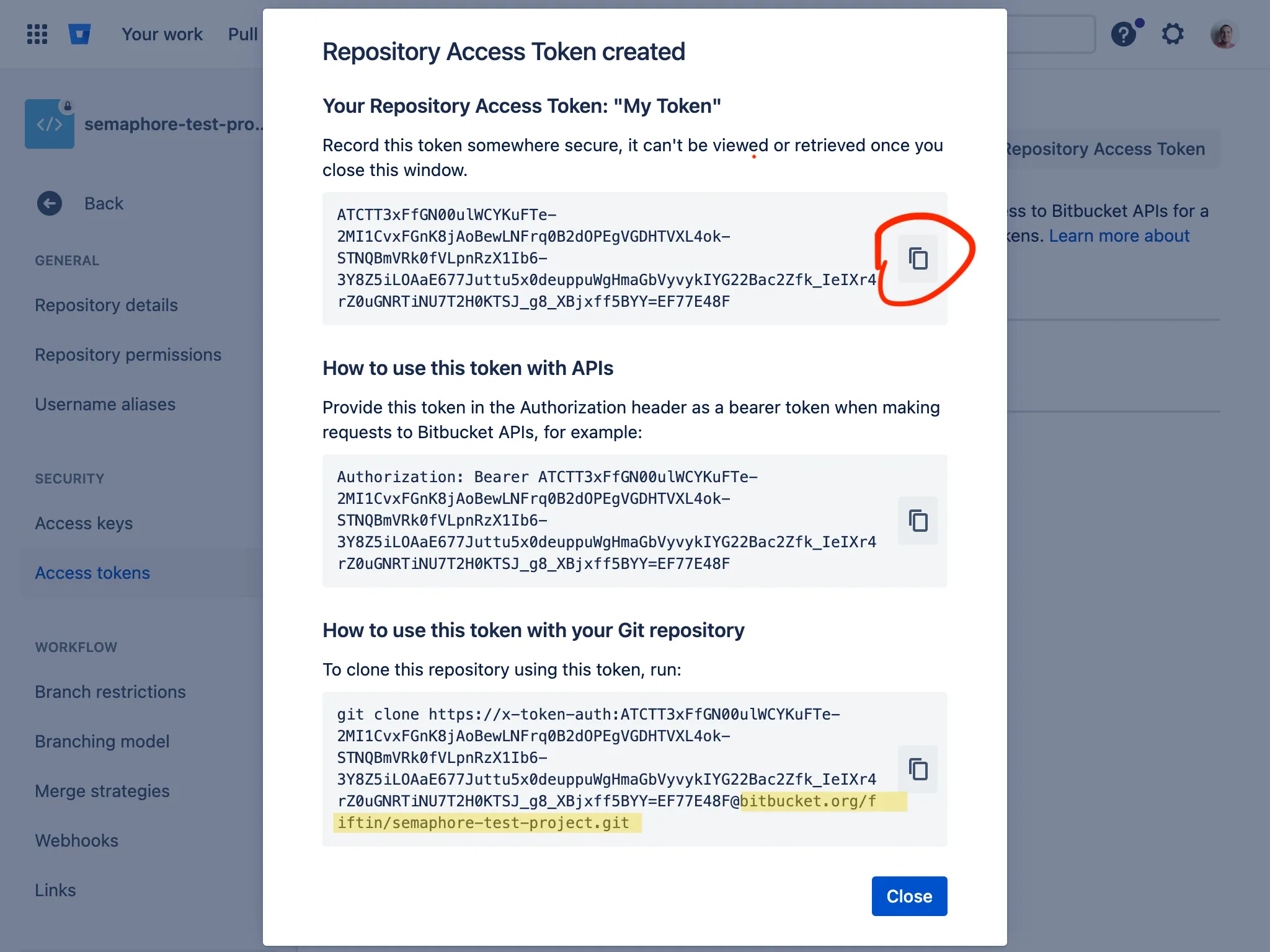
创建完成后,你会看到访问令牌。把它复制到剪贴板,在 Semaphore 中创建 Access Key 时会用到。
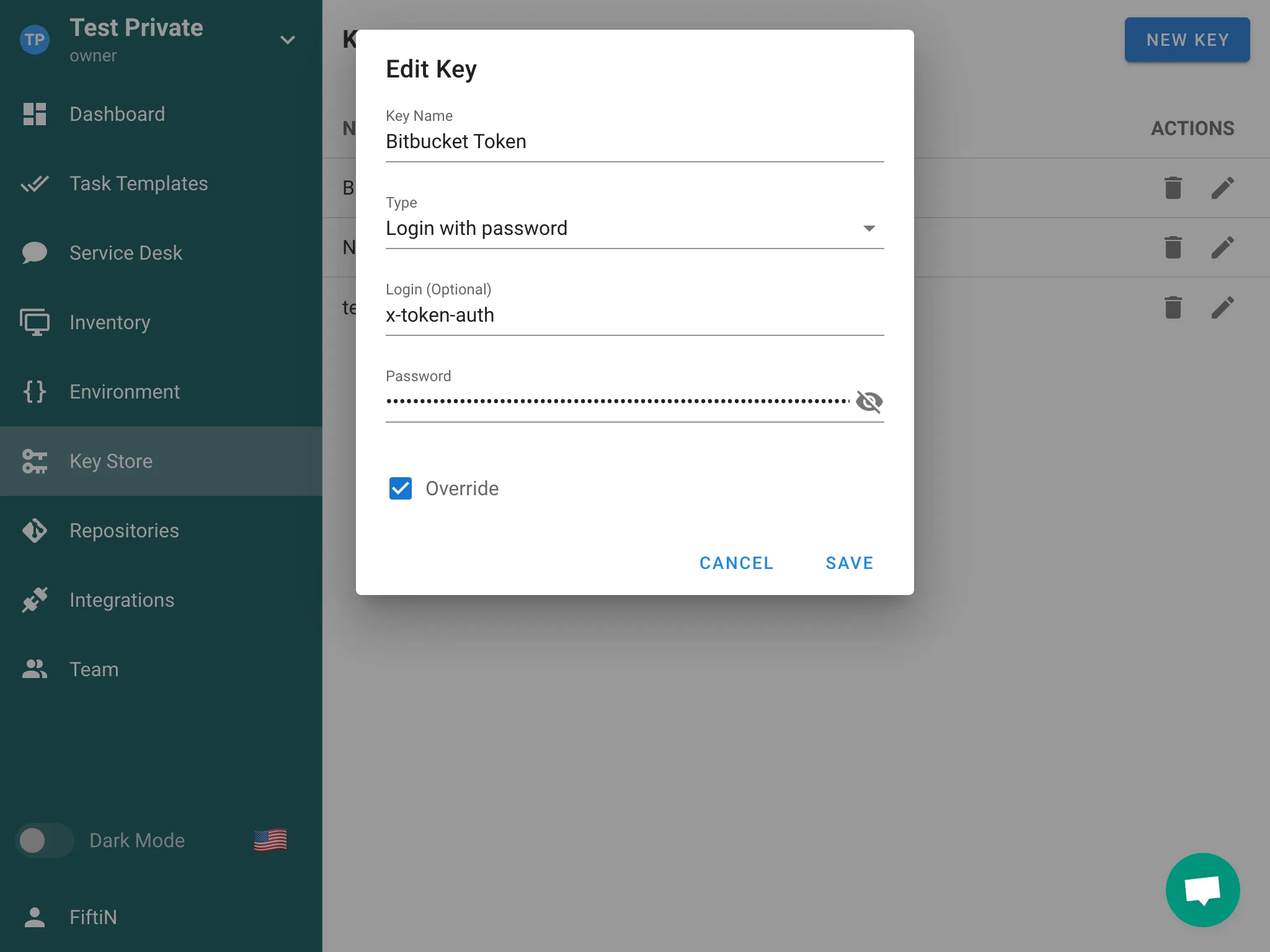
- 进入 Semaphore 的**密钥库(Key Store)**分区,点击 New Key 按钮。
- 选择
Login with password作为密钥类型。 - 在 Login 中输入
x-token-auth,并把之前复制的令牌粘贴到 Password 字段。保存密钥。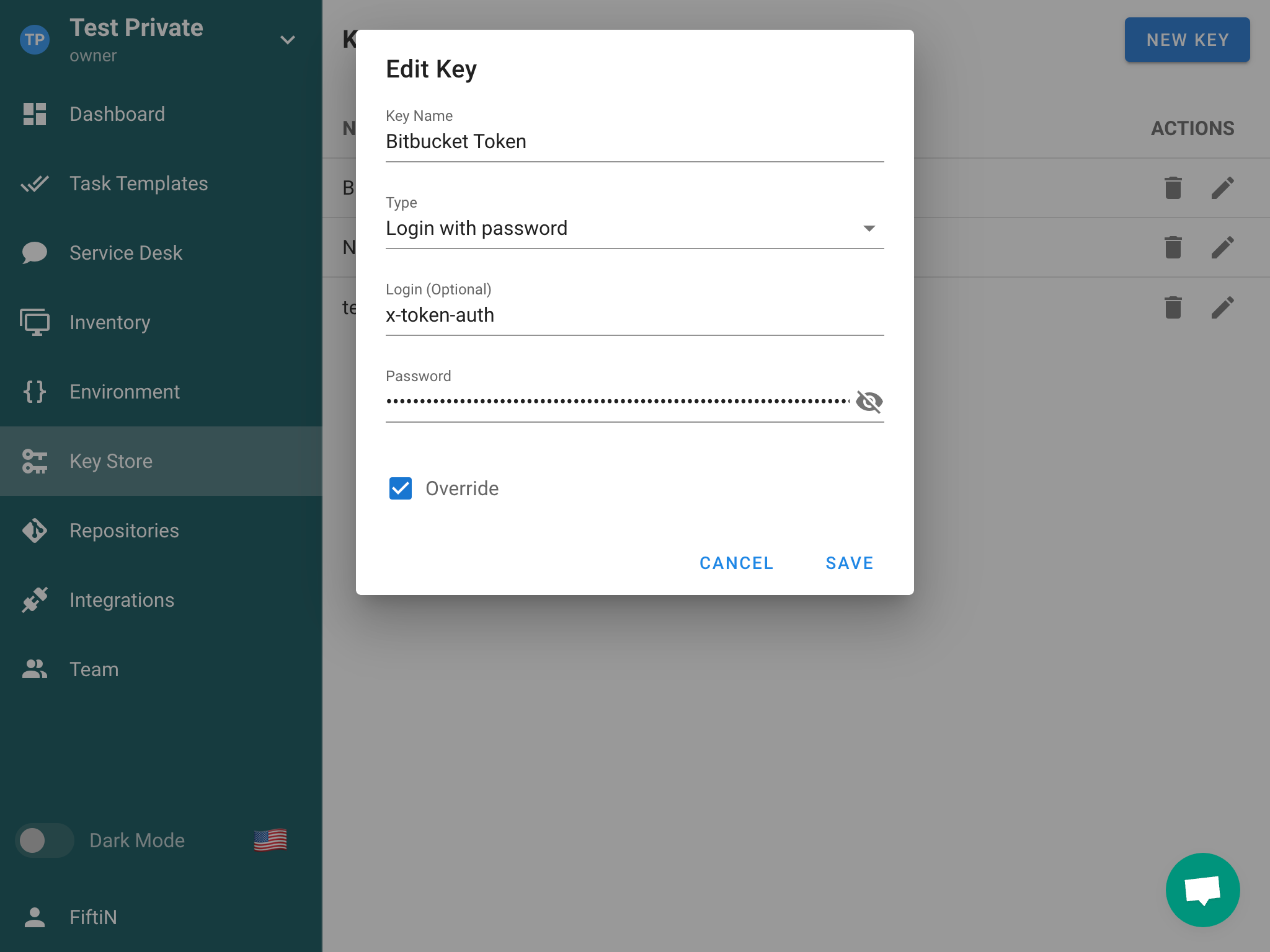
- 进入 Repositories 分区,点击 New Repository 按钮。
- 输入仓库的 HTTPS URL(
https://bitbucket.org/path/to/repo),填写正确的分支,并选择之前创建的 Access Key。