Use the online configurator
Fill in the form to generate setup commands for a new Semaphore server. The preview updates as you edit; apply the result on your own server to complete setup.
Before you begin
- Choose binary or Docker installation and the Semaphore version you will run. The links and recordings below use 2.19; select your version on the website.
- For MySQL or Postgres, have the database connection details ready. For SQLite, choose a database file location writable by the Semaphore service user.
- Use your own administrator password. The recordings contain demonstration values.
Steps
Follow the section for your installation method.
Binary installation
- Open the binary installation page. Find your platform, architecture, and package type. Click the row to show its commands; copy and run them on your server, or use Download to get the package.
- Open Server setup. Under Database settings, select SQLite, MySQL, or Postgres and enter the file path or connection details. Under Admin user, fill in the login, password, name, and email.
- Return to Config file and click the copy icon. Review the generated commands
before running them in a writable directory on your server. They create
config.json, add the administrator, and start Semaphore. Keep the configuration and its generated encryption keys for future starts.
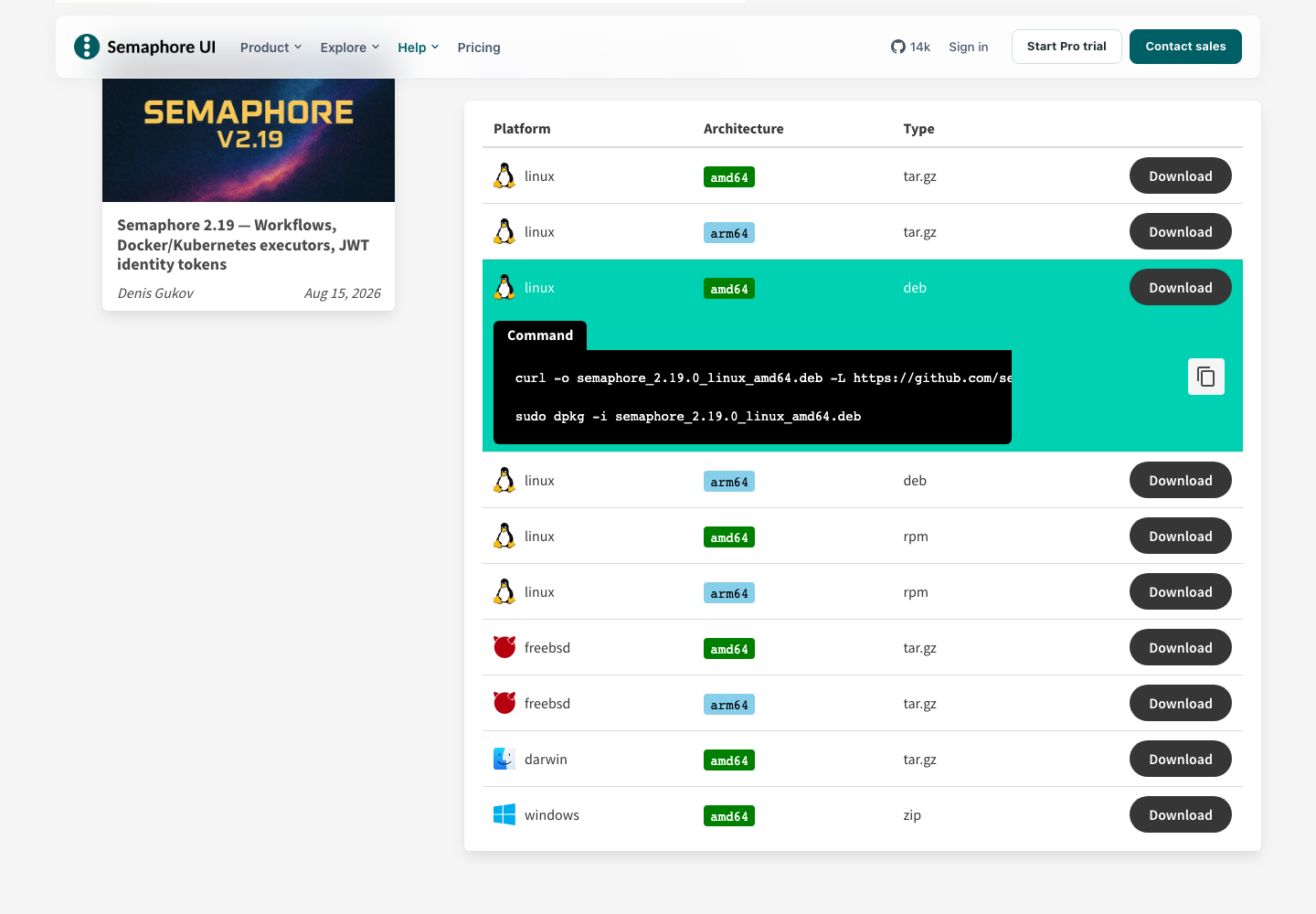
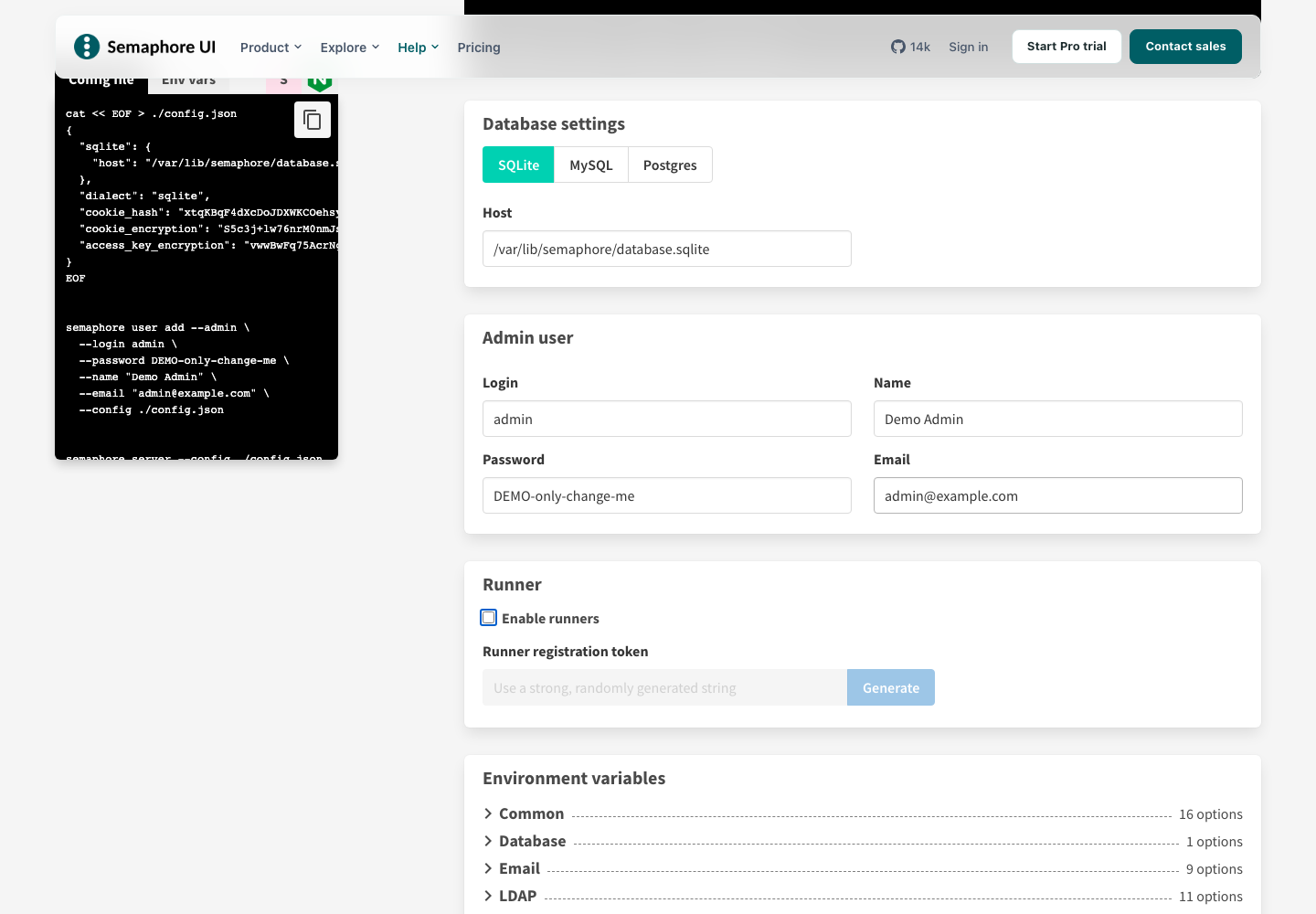
The video shows package selection, server settings, and copying the generated commands.
Docker installation
- Open the Docker configurator. In Container settings, set the name and host port. Under Docker volumes, enable the data and configuration volumes to keep them when replacing the container.
- Choose the database and fill in Admin user, including your own password. For an external database, use a host reachable from the container.
- Select Docker Compose and click the download icon. Save the result as
docker-compose.ymlin your deployment directory, review it, and rundocker compose up -dthere. Alternatively, select Docker command and copy the generateddocker runcommand.
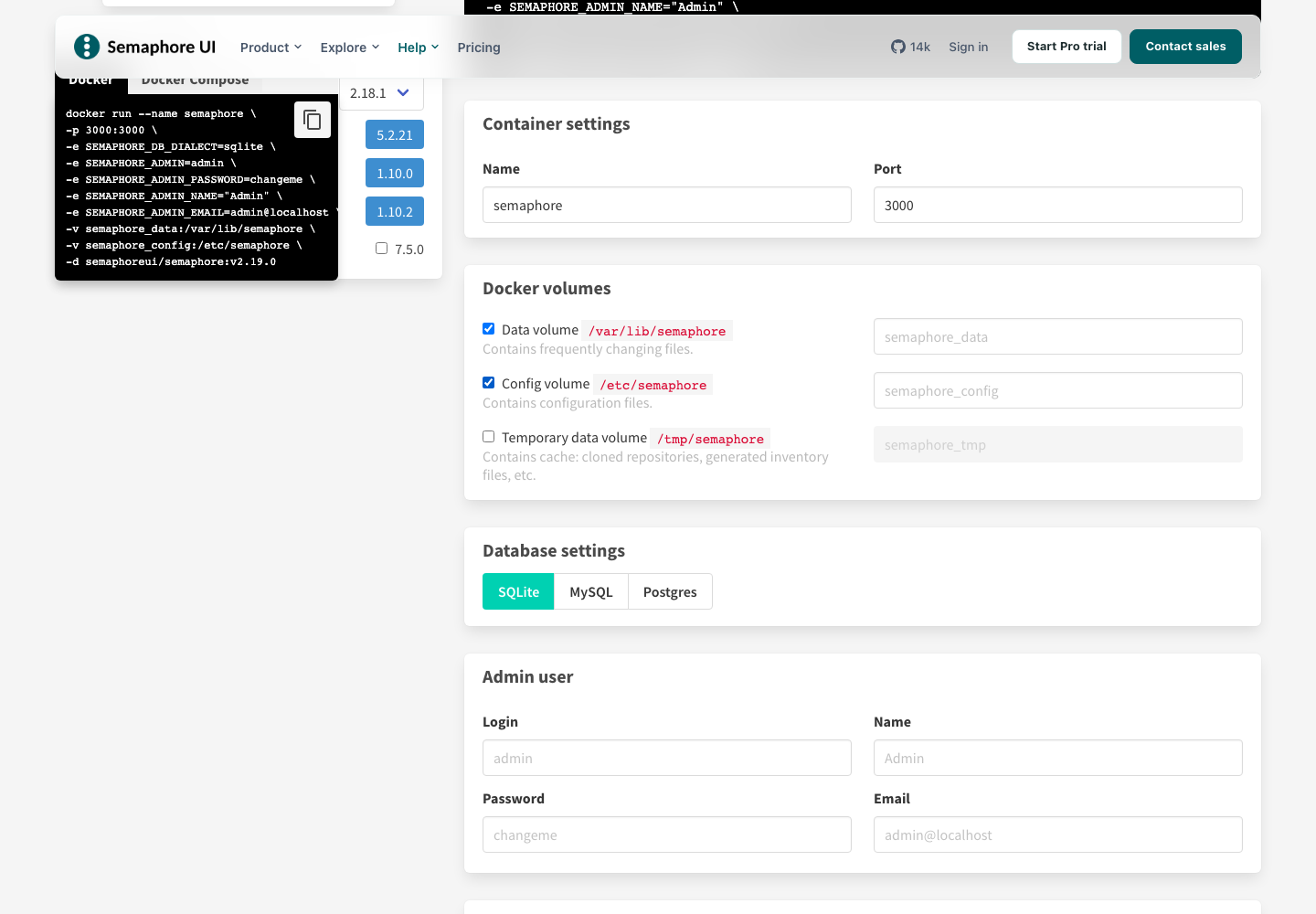
The video shows container settings, persistent volumes, and downloading Docker Compose.
What's next
Open your server in a browser, for example http://localhost:3000 when running
locally, and sign in with the administrator credentials you entered.