Build and deploy templates
Besides plain Task templates, Semaphore has two template types that form a simple pipeline: Build creates a versioned artifact, Deploy ships a chosen version to servers. Both types are selected in the template form and change what the user sees when starting a task.
Build templates
A build template produces an artifact: a tarball, a container image, a package. Every build task gets an auto-incremented version, starting from the Start Version of the template (for example 1.0.0). The version is shown in the Version column of the template list and the task history.
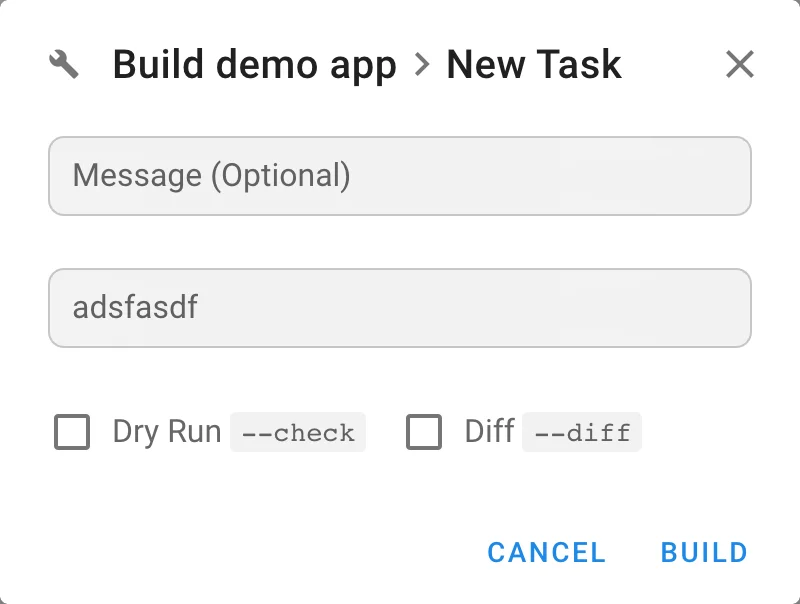
Use the version in your playbook through semaphore_vars.task_details.target_version to name the artifact.
Deploy templates
A deploy template is linked to a build template with the Build Template field. When a user clicks Deploy, the New Task dialog asks for the Build Version to deploy; the latest successful build is preselected.
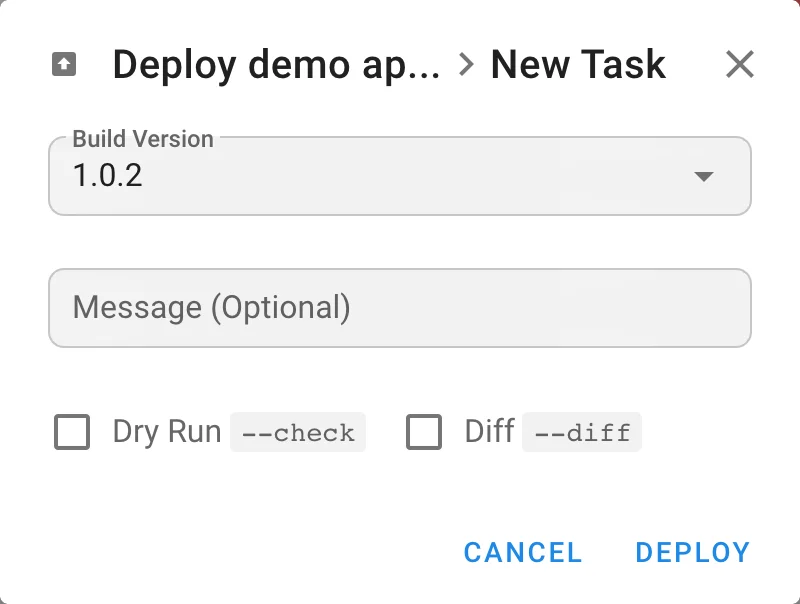
Enable Autorun in the deploy template to start a deploy automatically after every successful build. The version to deploy is available in the playbook as semaphore_vars.task_details.incoming_version.
The semaphore_vars variable
Semaphore passes the semaphore_vars variable to each Ansible playbook it runs. Use it to learn what type of task was run, which version should be built or deployed, who ran the task, and the task message.
Example for build tasks:
semaphore_vars:
    task_details:
        type: build
        username: user123
        message: New version of some feature
        target_version: 1.5.33
Example for deploy tasks:
semaphore_vars:
    task_details:
        type: deploy
        username: user123
        message: Deploy new feature to servers
        incoming_version: 1.5.33
For Bash, PowerShell, and Python templates, Semaphore provides the same task_details values as environment variables:
task_details field | Environment variable | Notes |
|---|---|---|
type | SEMAPHORE_TASK_DETAILS_TYPE | build or deploy |
username | SEMAPHORE_TASK_DETAILS_USERNAME | User who started the task |
message | SEMAPHORE_TASK_DETAILS_MESSAGE | Task message |
target_version | SEMAPHORE_TASK_DETAILS_TARGET_VERSION | Present for build tasks |
incoming_version | SEMAPHORE_TASK_DETAILS_INCOMING_VERSION | Present for deploy tasks |
Example for Bash:
echo "$SEMAPHORE_TASK_DETAILS_TYPE"
echo "$SEMAPHORE_TASK_DETAILS_TARGET_VERSION"
Example for PowerShell:
$env:SEMAPHORE_TASK_DETAILS_TYPE
$env:SEMAPHORE_TASK_DETAILS_INCOMING_VERSION
Example for Python:
import os

task_type = os.getenv("SEMAPHORE_TASK_DETAILS_TYPE")
target_version = os.getenv("SEMAPHORE_TASK_DETAILS_TARGET_VERSION")
incoming_version = os.getenv("SEMAPHORE_TASK_DETAILS_INCOMING_VERSION")
Example pipeline
A build Ansible role:
- Get the app source code from GitHub.
- Compile the source code.
- Pack the binary into
app-{{ semaphore_vars.task_details.target_version }}.tar.gz. - Upload the tarball to an S3 bucket.
A deploy Ansible role:
- Download
app-{{ semaphore_vars.task_details.incoming_version }}.tar.gzfrom the S3 bucket to the destination servers. - Unpack it into the destination directory.
- Create or update configuration files.
- Restart the app service.
To chain more than two steps, add approvals, or branch on failure, use Workflows.