History
The History tab of the project dashboard lists all tasks of the project, newest first. It is the default view when you open a project.
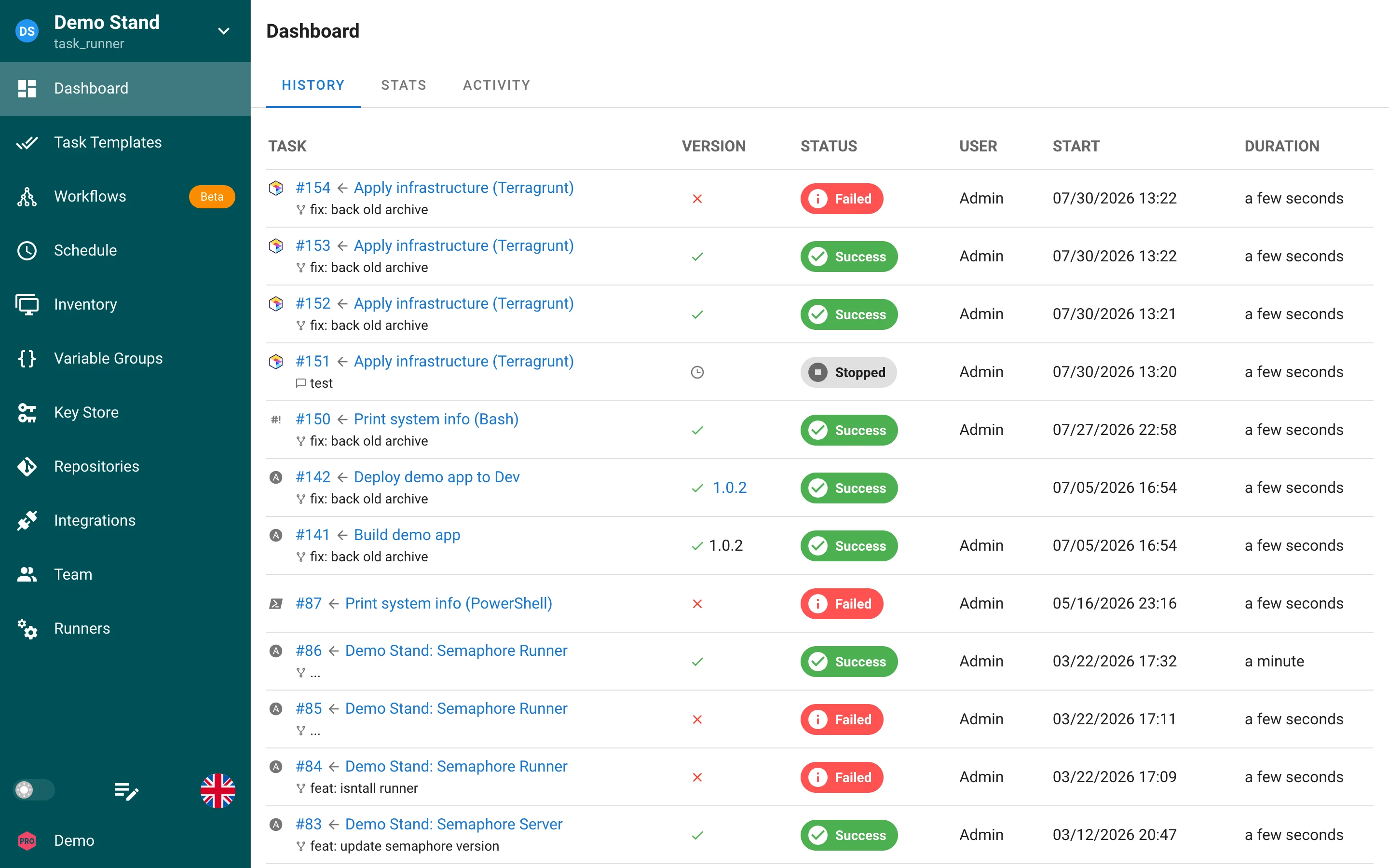
Columns
| Column | Content |
|---|---|
| Task | Task number, the template it was created from, and the commit message of the repository revision that was used. An icon on the left shows the application (Ansible, Terraform, Bash, and so on). |
| Version | For build and deploy templates: the built or deployed version. For other templates only a status icon. |
| Status | Current status badge, see Task statuses. |
| User | Who started the task. Tasks started by a schedule or an integration have no user. |
| Start | Start date and time in your browser time zone. |
| Duration | How long the task ran. |
The list is paginated. Click the task number or the template name to open the task window with the log, details, and summary. Click the template name in the task window header to go to the template page.
Task retention
By default all tasks and their logs are kept forever. To limit the history per template, set max_tasks_per_template in config.json or the SEMAPHORE_MAX_TASKS_PER_TEMPLATE environment variable:
{
  "max_tasks_per_template": 30
}
When the limit is reached, the oldest tasks of that template are deleted together with their logs. See Configuration for the full list of options.