
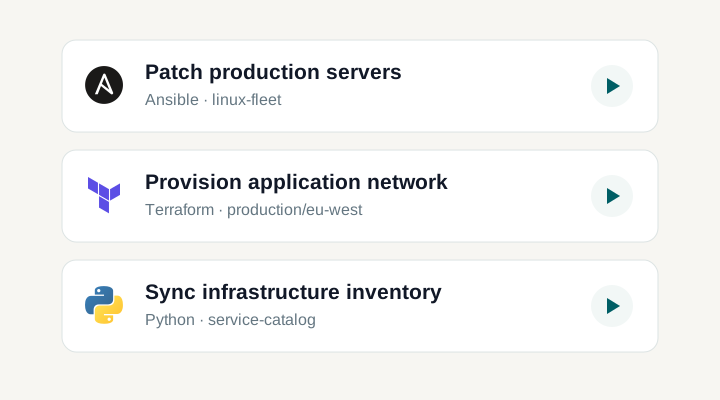
Connect Semaphore to your tools
Manage resources, run tasks and Workflows, and retrieve results through the REST API. Connect incoming events with webhooks.
Internal portal
Check production services
Production
Completed
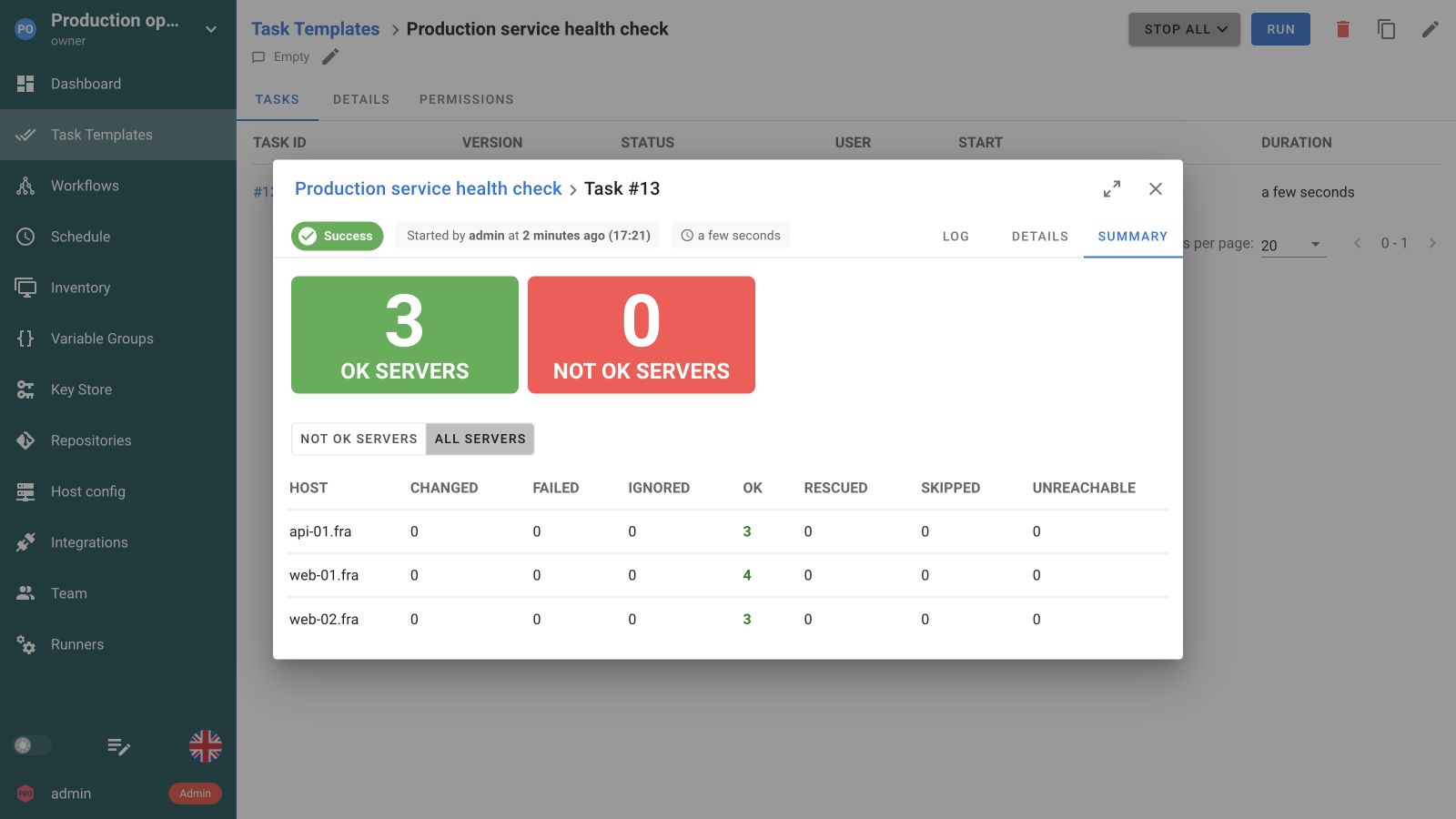
Automation in a separate tool breaks the flow
Your portals, pipelines and infrastructure tools already drive the work. Keeping automation separate means repeating setup, switching interfaces and collecting results by hand.
One API for setup and execution
Manage SemaphoreProjects, access and automation configuration
Trigger automationTasks, Workflows and event-driven runs
Get resultsRun status, logs and execution output
Manage Semaphore from your own systems
Create and update projects, access and automation resources through the REST API. Keep Semaphore in sync with your service catalog, onboarding process or infrastructure tooling.

A documented API for the whole platform
Configure resources, manage access and inspect state. Requests use the permissions of the authenticated account. The OpenAPI reference documents parameters, request bodies and responses.
Explore the API referenceTrigger automation and follow the result
For REST calls, create an API token for an account with the project access your service needs. For incoming webhooks, create an integration, select its Task Template and configure request authentication.
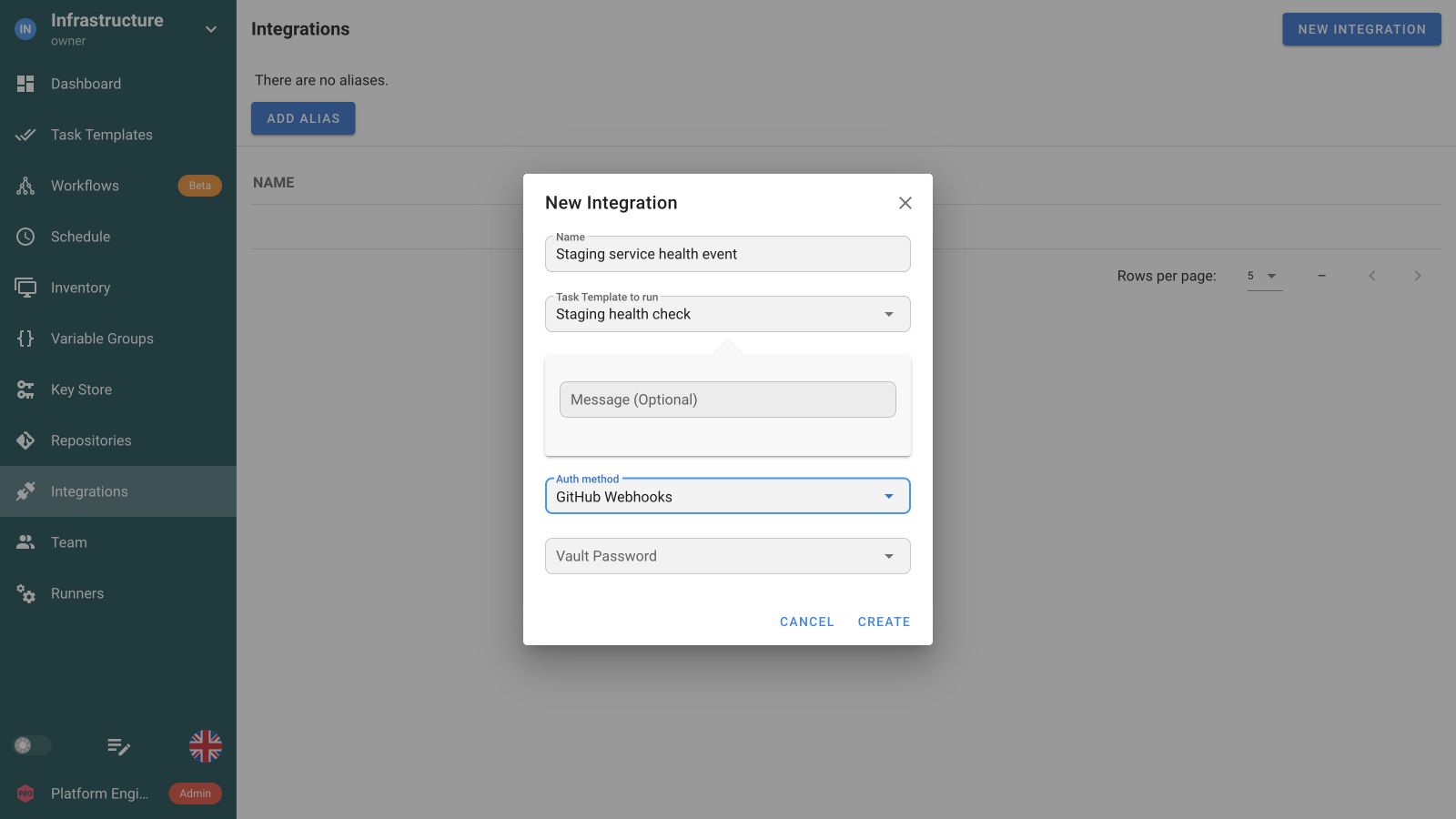
Add the webhook URL to the system that sends the event. Match the events you want and map payload fields into task inputs. A direct REST integration can call the API without a webhook.
Call the tasks endpoint with a saved Task Template ID, or use the Pro Workflow API to start a complete sequence with dependencies and approvals. Keep the returned run ID to follow its progress.
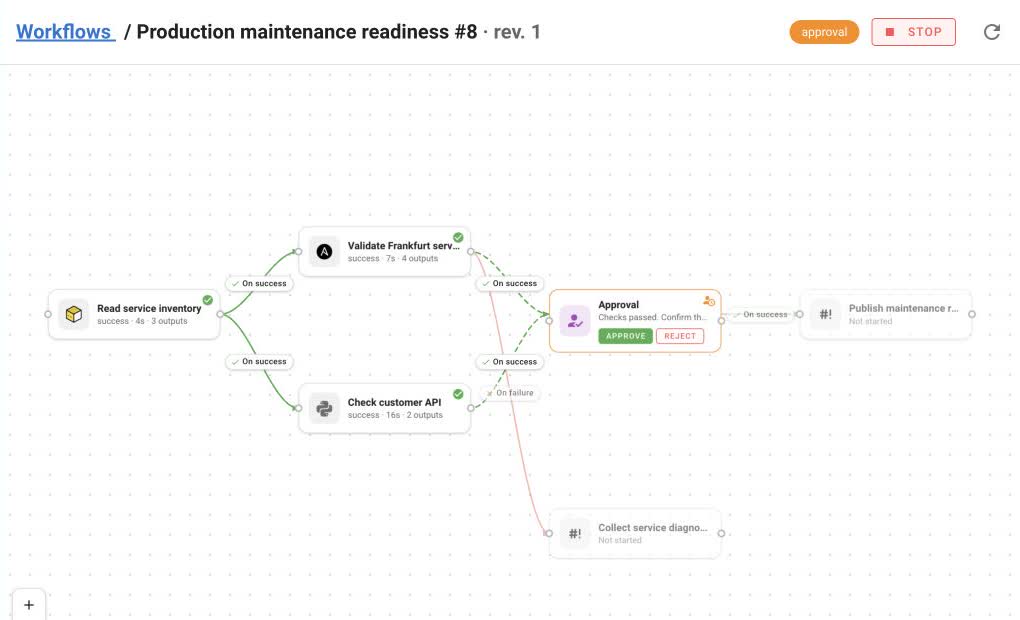
Keep the returned task or workflow run ID. Read its status and output through the API so your portal, pipeline or infrastructure service can follow the outcome.
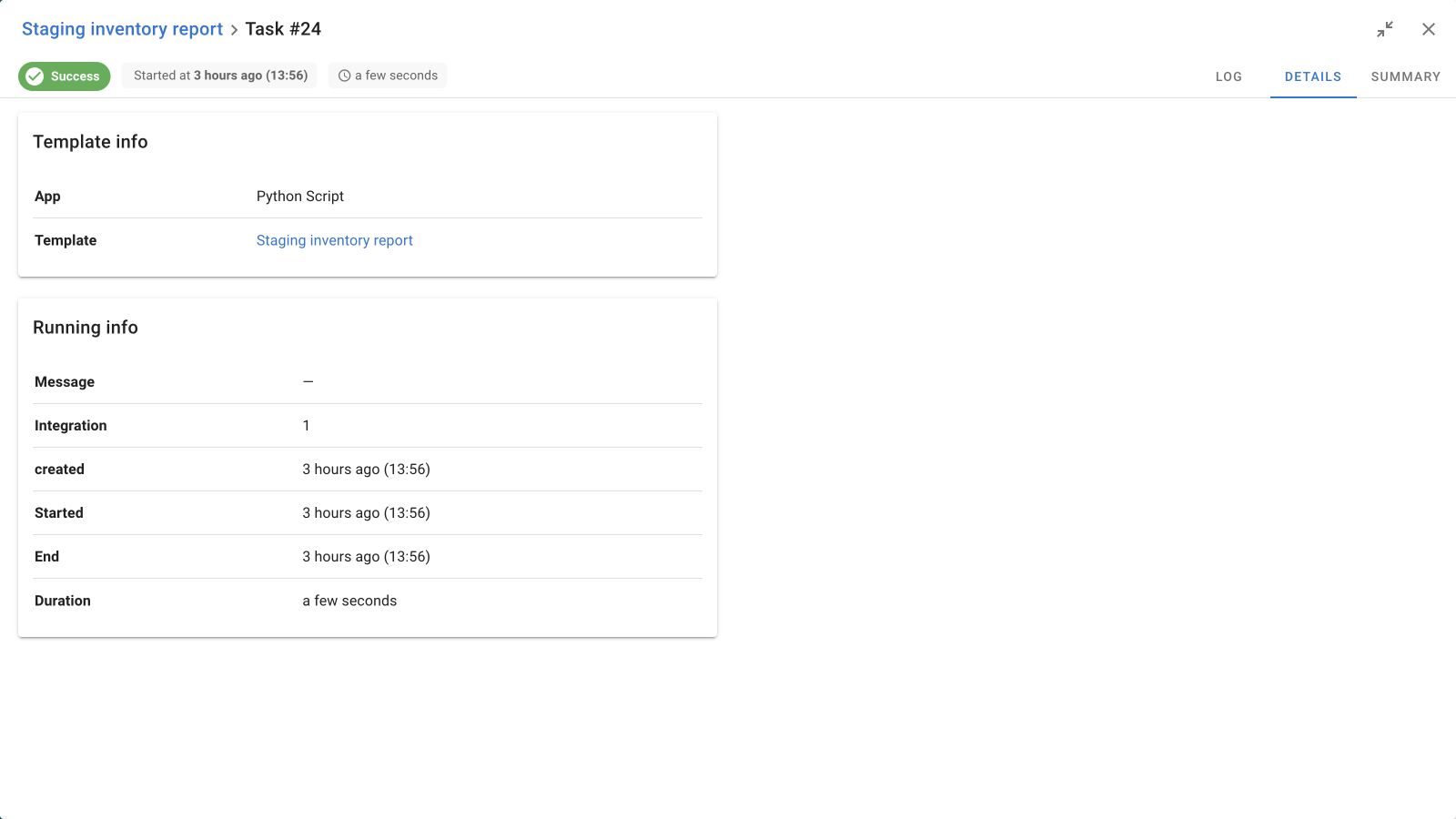
Connect your tools to the same automation
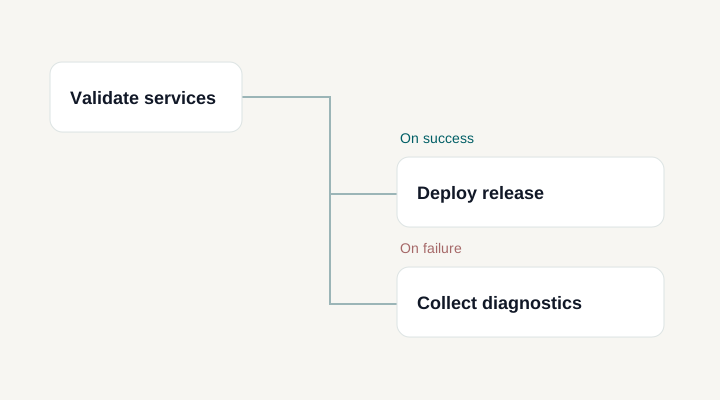
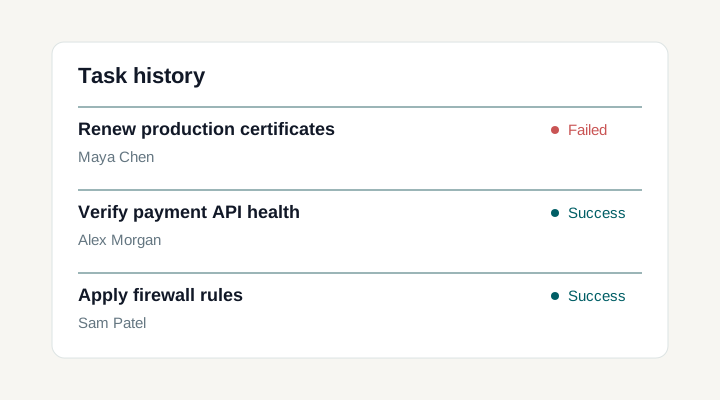
REST API and webhook integration options
Route incoming events to the right job
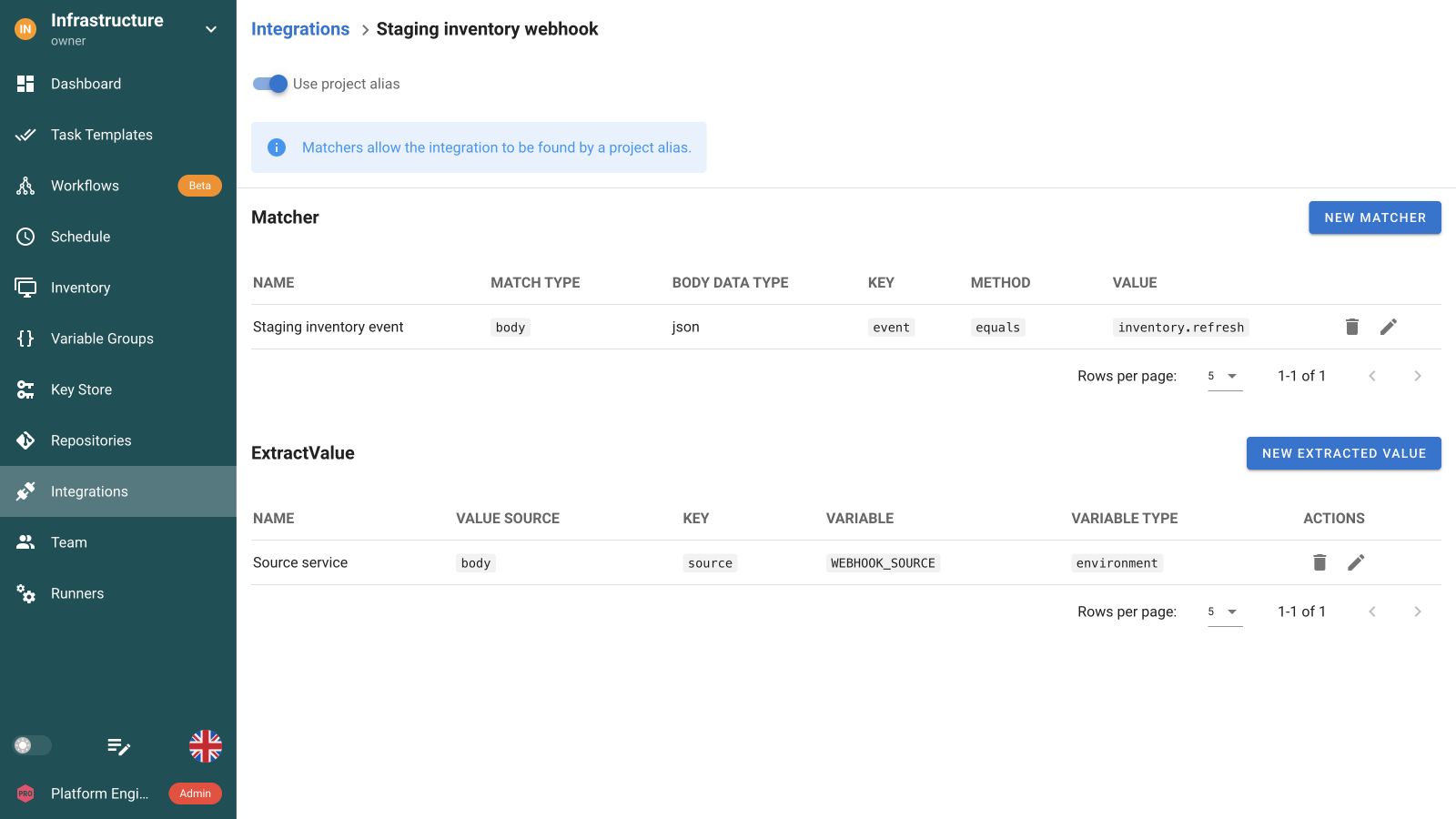
Use a project webhook alias to evaluate integration matchers and select the jobs that accept an event. An integration-specific alias calls one integration directly and bypasses its matchers. Match repository, branch or event fields when several systems share an endpoint, and test both matching and non-matching requests.
Map event payloads into run inputs
Read request headers or body fields with value extractors and map them into environment values or supported task parameters. Pass values such as a release version, service name or request reference without rebuilding the saved job. Parameter mappings must match the prompts the Task Template exposes.
Authenticate API calls and incoming webhooks
REST API calls use a personal API token and the permissions of its Semaphore account. Webhook integrations have their own authentication settings, including GitHub and Bitbucket webhooks, Token, HMAC SHA-256 or SHA-512, and BasicAuth. Configure the method your sender supports and keep its request credentials separate from the infrastructure credentials used by the job.
Manage Semaphore from your own systems
The REST API covers projects, repositories, inventories, credentials, Variable Groups, Task Templates, schedules and integrations, as well as task execution and the Pro Workflow API. Provision automation resources from your service, launch a configured operation, then read its status and output. The OpenAPI reference documents endpoint parameters, request bodies and response schemas.
Follow the task your request created
A created task is a queued execution, not a finished one. Keep the identifier the API returns and poll the documented task endpoints for status and output, so your service can tell a request error, a waiting run, and a completed outcome apart, and can link an engineer straight to the real evidence. Assume nothing about delivery: an upstream service may retry after a timeout even though the first request arrived, so handle duplicates where the operation has consequences and make the automation idempotent. Sending results outward to chat or email is a separate capability.
Connect GitHub, Bitbucket and other event sources
Integrations support GitHub and Bitbucket webhook authentication, tokens, HMAC SHA-256 or SHA-512 and Basic Auth. Match incoming headers or body fields, then extract the values the saved job needs. Use the REST API when the caller also needs to inspect results or manage resources.
Documentation and related features
FAQ
Should I use the REST API or a webhook integration to start a job?
Use a webhook integration when an external event should select a predefined Task Template and map request values into accepted inputs. Use the REST API when your application needs a more explicit resource and execution workflow, such as launching a task and reading its status. In either case, the automation runs through Semaphore's configured execution model. Choose the approach based on what the caller needs to send and track.
What is the difference between project and integration-specific aliases?
A project alias evaluates the configured matchers across its integrations and can start those that match the request. An integration-specific alias addresses one integration directly without evaluating its matchers. This matters if you expect a branch or event-type rule to control execution. Choose the endpoint deliberately and test both matching and non-matching payloads rather than assuming the same filter applies to every alias path.
How can a webhook pass a release version or environment value?
Configure extractors to read the relevant request headers or body fields and map them to documented environment values or task parameters. Parameter destinations must align with the template's accepted prompts. Keep the mapping specific: a release version should become the intended input, not an unrestricted command fragment. Validate the value in your automation where its meaning requires validation, and test missing or unexpected fields before production use.
Which identity and permissions does an API request use?
An API token acts with the permissions of its Semaphore user. Use an identity whose project access matches the integration's intended operations, and protect the token wherever the caller stores it. The API is not a bypass around project authorization. For webhook integrations, also configure the documented request authentication and endpoint exposure deliberately. Keep caller authentication separate from the credentials that the resulting task uses to reach infrastructure.
How should my service track the task after starting it?
For a REST API flow, retain the task identifier returned by the documented operation and use the corresponding API methods to inspect its state and output. A successful request means the execution was requested, not that infrastructure work finished successfully. Your service should distinguish request errors, waiting or running tasks, and completed outcomes. Link engineers to the task when they need to investigate the actual execution evidence.
Are webhook retries guaranteed to run a job only once?
Do not assume exactly-once execution or durable delivery guarantees. An external service may retry a request after a timeout even when the first request reached Semaphore. Design duplicate handling and retry decisions around the operation's consequences, and make the underlying automation idempotent where appropriate. Keep a correlation between the originating event and the execution your service tracks so engineers can understand repeated or uncertain deliveries.
Where do I find the Semaphore API specification?
The reference on this site renders the Swagger/OpenAPI document published with the Semaphore release, so the operations, paths and schemas you see correspond to a specific version rather than to a hand-written summary. Browse it by resource at /api-docs/, or read the raw document if you generate a client from it. Always check the specification for the version you actually run, because endpoints and request schemas can change between releases.
Does a webhook integration need an internet-facing endpoint?
The calling system has to reach your Semaphore instance, but that does not have to mean the public internet. A private network, VPN or internal load balancer is enough when the caller runs inside it. Our own matcher and extractor verification used a loopback-only listener with authentication disabled, which is not a model for an exposed endpoint. Whenever the alias can be reached from outside your trusted network, configure a supported authentication method and restrict exposure at the network layer too.
How can I test an integration before connecting a real system?
Point the integration at a harmless Task Template first, then send the payloads yourself with curl or any HTTP client. Send a non-matching body and confirm that no task appears, then send a matching body and confirm that exactly one task starts. Open that task's Details view: it records the integration as the source, and the extracted values are visible to the run. This is the same sequence we used locally, and it catches a wrong matcher key before an external service depends on it.
Can I manage Semaphore resources and run Workflows through the API?
Yes. The REST API covers projects, repositories, inventories, credentials, Variable Groups, Task Templates and other automation resources. Your portal or infrastructure service can configure them, start tasks and read execution status and output. Pro also exposes Workflow runs and approvals through the API, so a CI/CD pipeline can start a complete multi-step operation. Use the OpenAPI reference for endpoint parameters and response schemas.